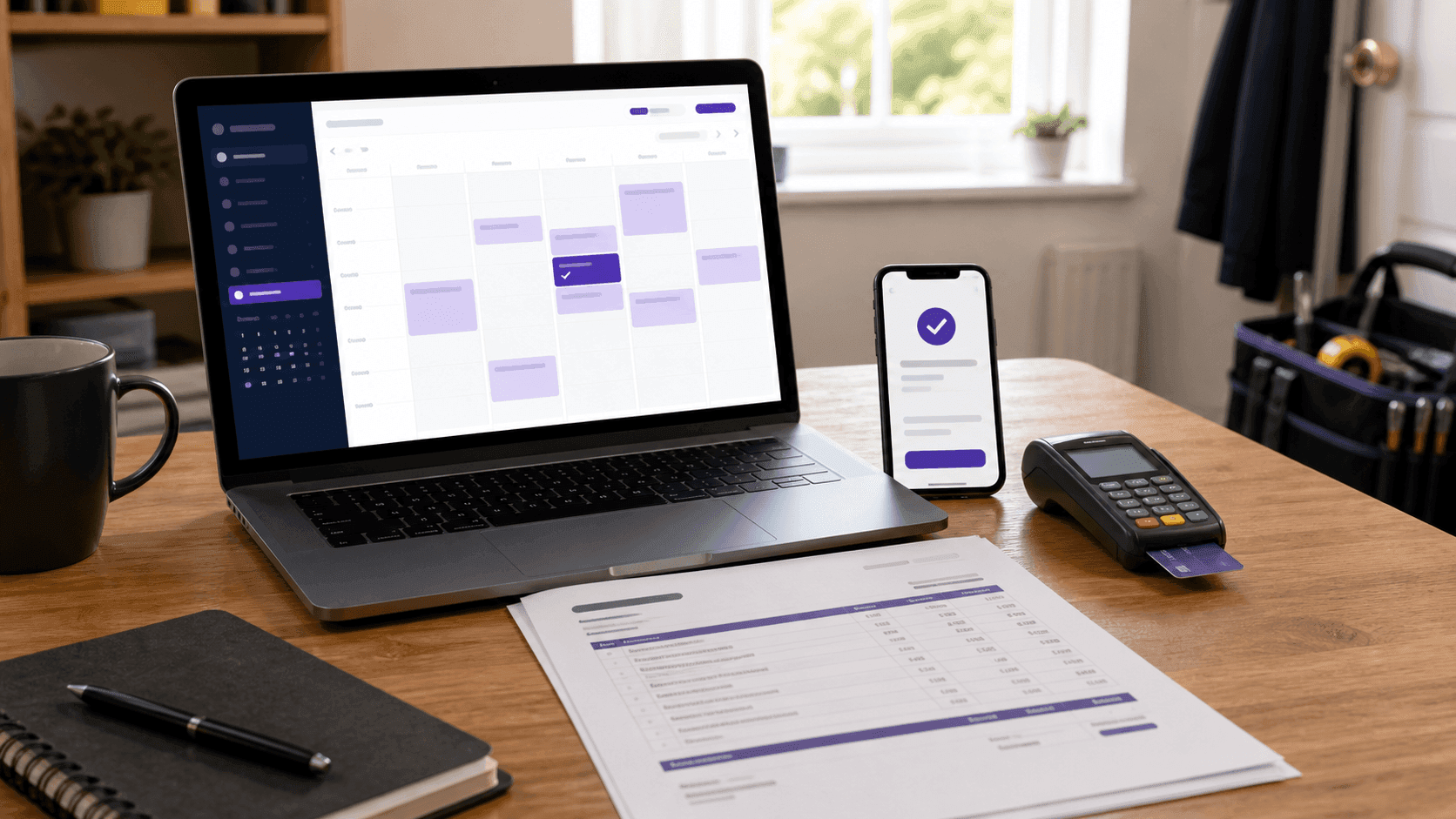
A fair price does not become revenue when you say it out loud. It becomes revenue only after the customer understands the scope, chooses a time, confirms the booking and pays.
That gap is where many small service businesses lose work. An enquiry arrives in a text message, measurements sit in a notebook, the price is buried in a chat, and the appointment exists only in one person's calendar. Nothing is individually difficult, but the hand-offs are fragile.
The answer is not necessarily more software. It is one repeatable path that every job follows from first contact to final payment.
The workflowThe seven-stage job workflow
Use the same stages whether you are a decorator, barber, personal trainer, cleaner, photographer or independent consultant. The details change; the structure does not.
1. Capture the enquiry once
Before discussing a price, collect the minimum information needed to make a decision:
- Customer name and preferred contact method.
- Address or service location, where relevant.
- What they want done and what a finished job means to them.
- Photos, dimensions or reference files you need to assess the work.
- Preferred dates and any hard deadline.
- Anything that changes access, materials, travel or preparation time.
A five-minute form is better than twenty messages spread across three days. It also gives you something to return to when the customer later remembers the job differently.
Do not ask for every possible detail. Ask only what decides the next action: decline, arrange a site visit, give an estimate, or prepare a fixed quote.
2. Price the whole job, not just the visible hours
The customer sees the hours on site. Your price also has to cover travel, preparation, administration, equipment, insurance, software, gaps between jobs and the time spent winning work that never books.
Start with the annual income the business must produce, add its running costs, allow for tax, and divide by the hours you can genuinely bill. The Freelance Rate Calculator gives you that private baseline.
Then price the actual job:
- Estimate labour using realistic hours rather than the best possible day.
- Add materials and any subcontracted work.
- Include travel, disposal, hire and other direct costs.
- Add a contingency where the scope contains genuine uncertainty.
- Check the result against your minimum profitable rate.
The customer can still receive one clean project price. The calculation behind it is for you.
3. Put the scope and price in writing
A useful quote answers four questions without another phone call:
- What work is included?
- What is specifically excluded?
- What will it cost, including any applicable tax?
- What has to happen before work starts?
Use plain descriptions. “Paint bedroom” invites disagreement; “prepare walls, apply one primer coat and two finish coats to walls and ceiling; woodwork excluded” gives both sides the same picture.
Add how long the quote remains valid, the expected schedule, deposit requirements and how changes will be agreed. A professional Quote Template makes the information easier to approve and gives you a dated copy of what was offered.
4. Turn acceptance into a real booking
“Yes, that sounds good” is not yet a booked job. A confirmed booking needs a service, date, time, location, customer details and a visible status that both sides can rely on.
For a very small diary, you can manage this with a shared calendar and a confirmation message. Once enquiries arrive from several places, a single booking link is safer. Instead of exchanging available times manually, the customer chooses from the slots you have decided to offer.
An online booking system from Bookrightly brings a client-facing website, bookings, payments and a business dashboard into one place for service businesses including decorators, barbers, hairdressers and personal trainers. The useful part is not simply having another calendar: it is giving the customer one clear next step after accepting the quote.
Whatever system you use, send one final confirmation containing the date, arrival window, address, service, agreed price or deposit, and the easiest way to reschedule.
5. Make the deposit rule predictable
A deposit protects time and materials, but only if the customer understands it before booking.
Write down:
- Which jobs require a deposit.
- Whether it is a percentage or a fixed amount.
- When the slot becomes confirmed.
- What happens when either side needs to reschedule.
- When the remaining balance becomes due.
The exact policy depends on the kind of service and your local obligations. The important operational rule is consistency: do not invent different terms in every message.
Record the payment against the job immediately. A deposit without a job reference becomes surprisingly hard to identify a month later.
6. Confirm changes before doing extra work
Most disputes are not about the original quote. They are about the extra request that appeared after work began.
When the scope changes, pause and write down:
- The additional work.
- The extra price.
- Any effect on the completion date.
- The customer's approval.
A two-line written confirmation is enough for a small change. A larger change deserves a revised quote. What matters is that the conversation happens before the extra cost appears on the invoice.
7. Close the job with the right document
Send the invoice as soon as the work reaches the agreed completion point. Our guide on how to invoice a client as a freelancer lists the fields every invoice needs and the payment terms that get it paid on time. It should use the same customer name, job description and price structure as the accepted quote, adjusted only for approved changes and any deposit already paid.
The Invoice Generator creates the final PDF with line items, tax, due date, payment details and the remaining balance. Once payment arrives, mark the job paid and issue a receipt if the customer needs one.
This final step is also where you capture the numbers that improve the next quote: actual hours, real material cost, unexpected travel and how long payment took.
Three recordsQuote, booking and invoice are different records
These three records should agree, but they do different jobs:
- Quote: what you offered to do and the price you offered.
- Booking: when and where the agreed work will happen.
- Invoice: what the customer now owes for completed or billable work.
Trying to make one message perform all three jobs creates ambiguity. Keeping them connected creates a simple audit trail without turning a one-person business into an accounting department.
30-minute setupA 30-minute setup for a solo business
You do not need to automate everything on day one. Build the smallest dependable version:
- Write one enquiry checklist for the details you always need.
- Create one reusable quote layout with standard exclusions and validity wording.
- Decide which hours customers may book and how much notice you require.
- Write one booking confirmation message.
- Define one deposit and rescheduling policy.
- Create one invoice layout that mirrors the quote.
- Choose one place where every job status lives: enquiry, quoted, booked, completed, invoiced or paid.
Run the next five jobs through it. Any question you repeatedly have to ask is a missing field; any information you repeatedly type is a candidate for automation.
MistakesCommon workflow mistakes
- Giving a price before understanding scope. Fast replies feel helpful until the real job is larger than the message described.
- Offering every free slot. Your calendar should reflect travel, setup, breaks and the kind of week you can sustainably work.
- Treating a verbal yes as confirmation. A date is not secure until the customer has the details and has completed the action your policy requires.
- Hiding terms until the invoice. Deposits, cancellation terms and due dates belong before the booking, not after the work. When the customer is another business, UK law also lets you claim statutory interest of 8% over base rate plus £40–£100 per late invoice.
- Keeping the quote and calendar separate. Use the same customer and job reference so you can move from one record to the next without retyping.
- Waiting to invoice. The work is freshest in everyone's mind on completion day. Send the document then.
FAQFrequently asked questions
Do I need booking software when I only have a few customers? Not necessarily. A calendar, written confirmation and consistent job status can handle a small volume. Booking software becomes useful when arranging times takes repeated messages, customers book outside your working hours, or appointments are being missed or duplicated.
Should every job require a deposit? No. Deposits are most useful when you reserve substantial time, buy materials in advance or regularly lose income to late cancellations. Use a written policy appropriate to your service and local rules rather than applying one percentage blindly.
What information should a booking confirmation contain? The service, date, time or arrival window, location, agreed price or deposit, preparation instructions, contact method and the rescheduling process. The customer should not need to search earlier messages for a critical detail.
What is the difference between a quote and an estimate? A quote presents a defined scope and price, while an estimate communicates an informed approximation where the final cost may change. Label the document clearly and explain what could change the price.
How do I handle extra work requested on the day? Describe the change, price it, explain any schedule effect and get written approval before proceeding. Add it to the final invoice as a separate line so the original job and the change remain visible.
When should I send the invoice? As soon as the agreed billing milestone is reached — usually completion for a short job, or the stated stage for longer work. Delay at your end creates delay at the customer's end.
Next stepMake the next job easier to book
Calculate the number, document the scope, give the customer one booking action, and keep the quote, appointment and invoice connected. That is the whole system.
It is deliberately boring. A dependable workflow should be: the customer always knows what happens next, and you always know which jobs are waiting for a price, a date or a payment.