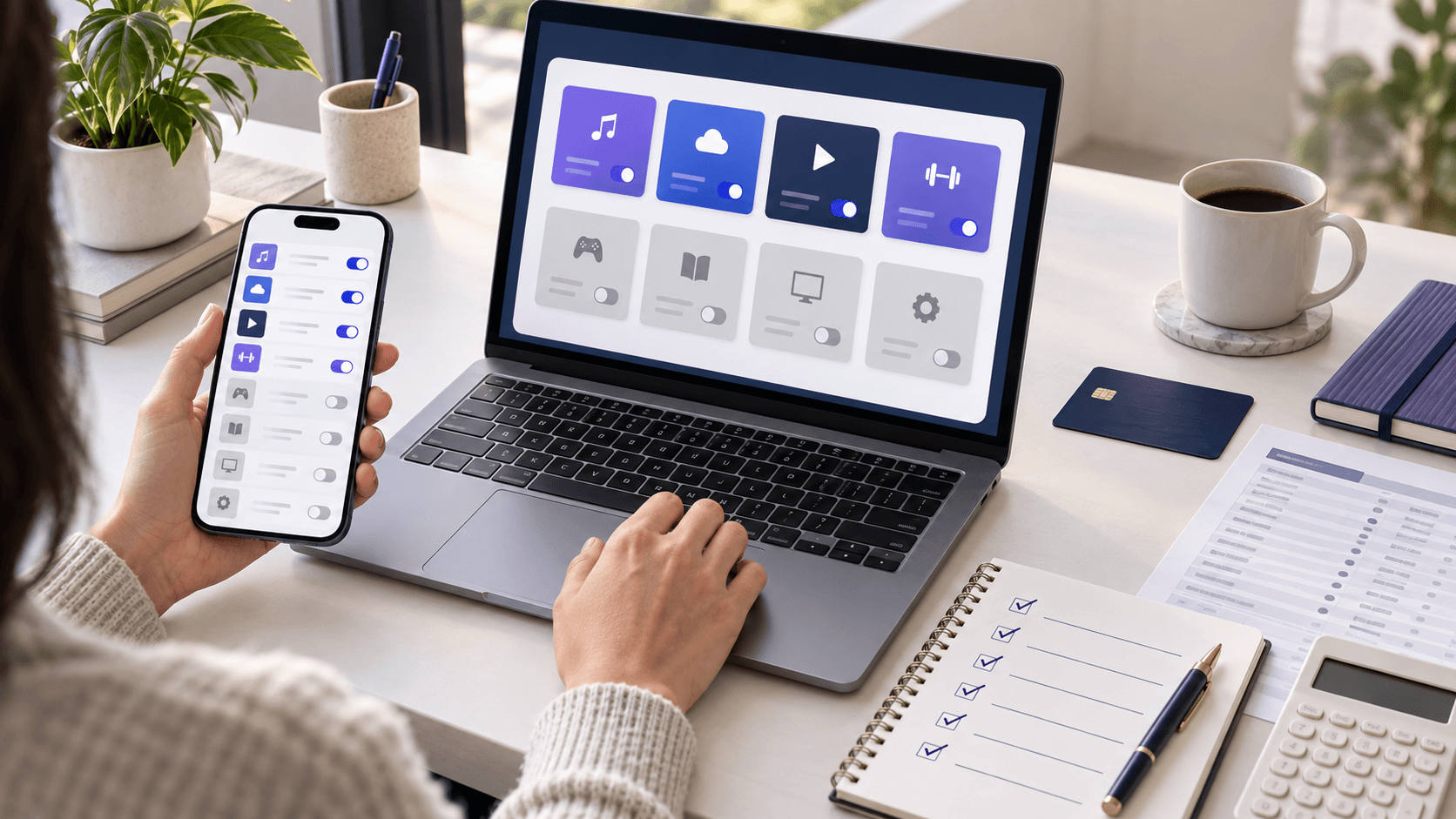
Nobody signs up for twelve subscriptions. You sign up for one, then a free trial you meant to cancel, then a plan that quietly went from $8 to $13, then a service your partner also pays for. Each one is small enough to ignore, and that is exactly the design.
An audit takes about thirty minutes, once. Here is how to do it properly — including the four places recurring charges hide where most people never look.
Why it leaksWhy subscriptions leak money specifically
Three things make them different from ordinary spending:
- The price is framed monthly. "$12.99" reads as trivial. The same number as $156 a year does not.
- They renew silently. Ordinary spending requires a decision every time. A subscription requires a decision once, and then charges you forever by default.
- They creep. Annual price increases, a "free trial" that converts, an app that adds a tier. None of it prompts a fresh decision.
The result is a portfolio you never chose. The audit is just the act of making every one of those charges justify itself once. The subscription blind-spot model shows how twelve ordinary $9.99–$19.99 charges can cross $2,000 a year before any one of them looks alarming.
Step 1Find every recurring charge
This is the step people do halfway. Your bank statement alone will not show you everything, because a lot of subscriptions bill through an intermediary and appear as one lump. Check all five:
- 01Bank and credit card statements — last 12 months, not 1. Annual subscriptions bill once a year and are invisible in a one-month scan. Search the statement for the same amount recurring on a similar date. Check every card, including the one you barely use.
- 02Apple: Settings → your name → Subscriptions. This is the single biggest hiding place. Everything billed through the App Store appears here, and only here — on your statement it is an undifferentiated "APPLE.COM/BILL" charge.
- 03Google Play: Play Store → profile → Payments and subscriptions. Same story on Android.
- 04PayPal: Settings → Payments → Automatic payments. Subscriptions authorized through PayPal do not show as recognizable merchants on your card.
- 05Your email. Search for "receipt", "your subscription", "renews", "invoice" and "welcome to". This catches services billed directly that you have genuinely forgotten the name of.
Also check anything billed to a partner's card for a service you both use, and any subscription attached to a work account you are personally paying for. AI plans are the newest line on most of these lists, and the one worth a second look: if you use one heavily, an API key can be cheaper than the monthly fee — see what AI actually costs.
Write every one down as you find it: service, price, and how often it bills. Add the day it bills, too — a renewal that lands just before payday is the one that overdraws the account, which is the problem bills by paycheck solves.
Step 2Put a real yearly number on it
Normalize everything to a yearly figure. This is the step that changes behavior — monthly pricing is designed to keep the number small, and annualizing undoes the trick.
- $12.99 a month is $155.88 a year.
- $4.99 a month is $59.88 a year — for something you may open twice a year.
- Seven mid-size subscriptions at an average of $11 a month is $924 a year.
Enter the list in the Subscription Audit Calculator and you get the annual total, the monthly total and a per-service breakdown in one view. If typing them all in is the thing stopping you, screenshot your App Store subscriptions page and upload it — the list is read straight off the image, one row per subscription, so you can go from screenshot to full audit in a minute.
Look at the total before you look at the individual lines. Most people are off by 30–50% when they guess it.
Step 3Keep, downgrade, or cancel
Go line by line and force each into exactly one bucket. Two questions do most of the work:
- Have I used this in the last 30 days? If not, it is a cancel unless you can name the specific upcoming date you will use it.
- Would I re-subscribe today at this price, knowing what I know? This is the sharper question. Sunk cost is not a reason to keep paying.
The three buckets:
- Keep. Used regularly, worth the yearly figure. Fine — this is what money is for.
- Downgrade. Used, but not at this tier. A cheaper plan, an ad-supported tier, a family plan split with people who are already paying separately, or annual billing on the ones you are certain about (usually 15–20% cheaper).
- Cancel. Unused, duplicated, or not worth the annual number. Four streaming services is almost always a duplicate — rotating one at a time costs a quarter as much. The Disney+ and Hulu price increase guide prices a rotation with this fall's new rates.
Do the biggest annual numbers first. Cancelling one $22-a-month service beats agonizing over three $3 ones.
Step 4Cancel properly
Cancelling is where the money actually gets saved, and where it commonly goes wrong:
- Cancel at the source. An App Store subscription must be cancelled in Apple's settings — deleting the app changes nothing, and neither does emailing the company.
- You usually keep access until the period ends. Cancelling on day 3 of a paid month does not mean losing 27 days. There is no reason to wait.
- Screenshot the confirmation. If a charge shows up next month, that screenshot is your evidence.
- Expect a retention offer. Many services offer 50% off or a free month when you cancel. If you genuinely use it, take it — that is a legitimate downgrade. If you do not, the discount is not a reason to keep paying.
- Ask for a refund on the one you truly forgot. If an annual plan renewed days ago and you have not used it, both Apple and Google have refund request flows, and many merchants will refund a just-renewed year. Worst case they say no.
- Check the card two months later. Verify the charges actually stopped.
Step 5Stop it from happening again
An audit you repeat every year because the problem regrows is a chore. A few structural fixes make it stick:
- Put a calendar reminder two days before every free trial ends. Do it at the moment you sign up, not later. That includes a trial started just for a sale — see the Prime Big Deal Days math for what a forgotten one costs.
- Keep recurring charges somewhere you actually look. The Subscription Tracker keeps every plan with its next charge date, a trial reminder and a running yearly total; the Expenses Tracker has a dedicated subscriptions tab, so your recurring spend sits in one list next to the rest of your budget instead of scattered across four billing systems.
- Set a monthly budget cap for the subscriptions category. A number to exceed makes the next signup a real decision. (Under a 50/30/20 budget subscriptions live in the 30% — the bucket that quietly fills up.)
- Use one card for subscriptions. One statement to scan makes next year's audit ten minutes instead of thirty.
- Re-run the audit twice a year. Put it in the calendar — January and July work well.
FAQFrequently asked questions
How much does the average person spend on subscriptions? Surveys consistently find people underestimate their own subscription spending by a wide margin — often guessing less than half the real figure. Rather than trusting an average, add up your own list; the gap between your guess and the total is usually the most useful number in the whole exercise.
Should I switch to annual billing to save money? Only for services you are certain you will use all year. Annual plans typically save 15–20%, but they also lock in a subscription you might otherwise drop in month four, and they hide from monthly statements. A phone lease is the newest line of this kind — Apple's runs $34.99 a month for a device you never own — and our iPhone 18 Pro cost guide prices it against simply buying. Certain services yes, maybe-services no.
Is a subscription cancellation service worth paying for? They can find charges you missed, but they are themselves a subscription, and often take a cut of what they save you. Doing the five-place sweep yourself once takes half an hour and costs nothing.
What about subscriptions I share with family? Check for duplicates first — households frequently pay twice for the same service on separate accounts. Then check whether a family plan is cheaper than the individual plans you are collectively paying for; it usually is. Apple is a good stress test: our Apple One break-even guide shows when Family or Premier saves money and when the bundle adds an unused-service premium.
How do I find a subscription if I cannot identify the charge on my statement? Search the exact merchant string online — most obscure descriptors are documented. If it is an "APPLE.COM/BILL" or Google Play charge, the answer is in your device's subscriptions screen, not your bank.
Next stepRun your audit now
List everything in the Subscription Audit Calculator — or upload a screenshot of your subscriptions screen and let it fill the list — then keep the survivors visible in the Expenses Tracker so next year's audit takes ten minutes instead of thirty.