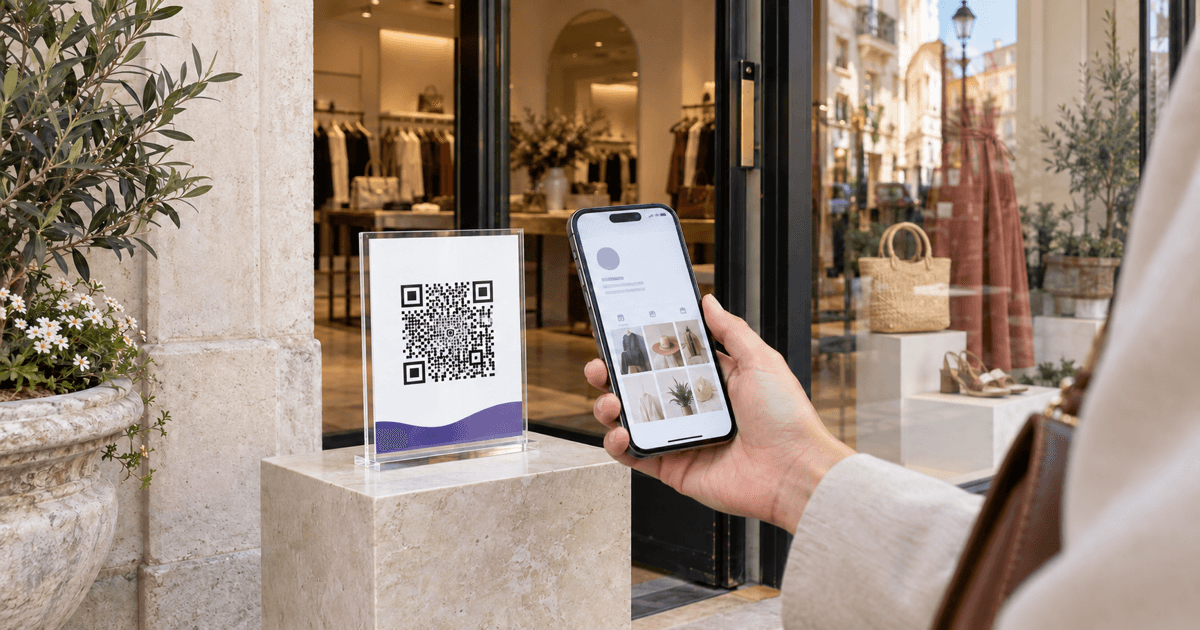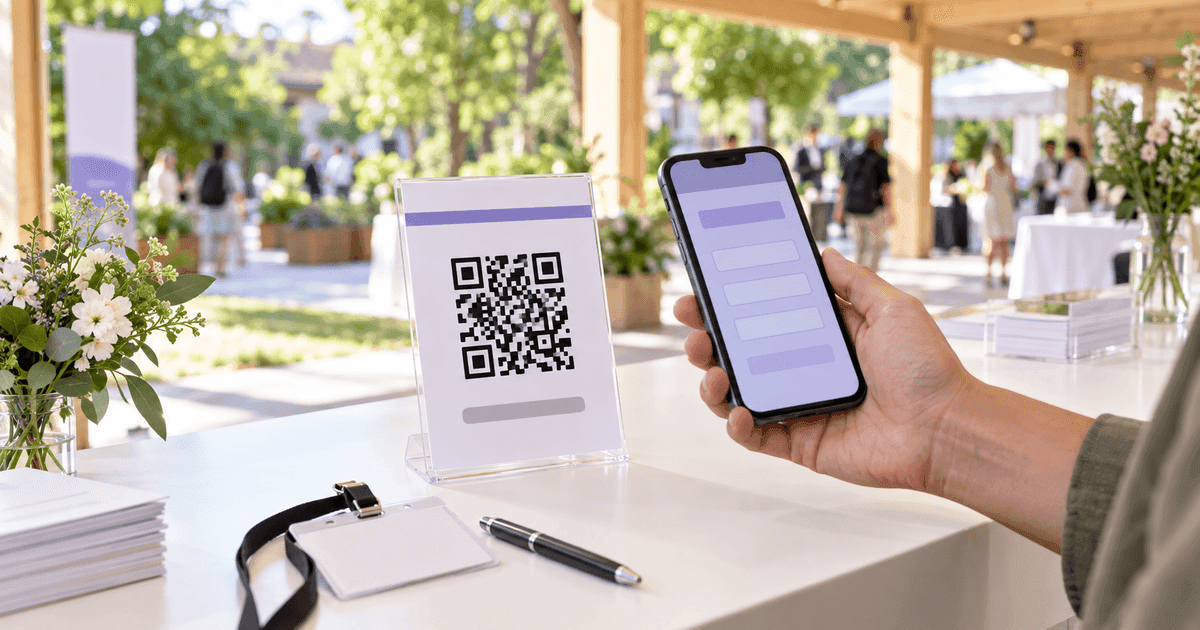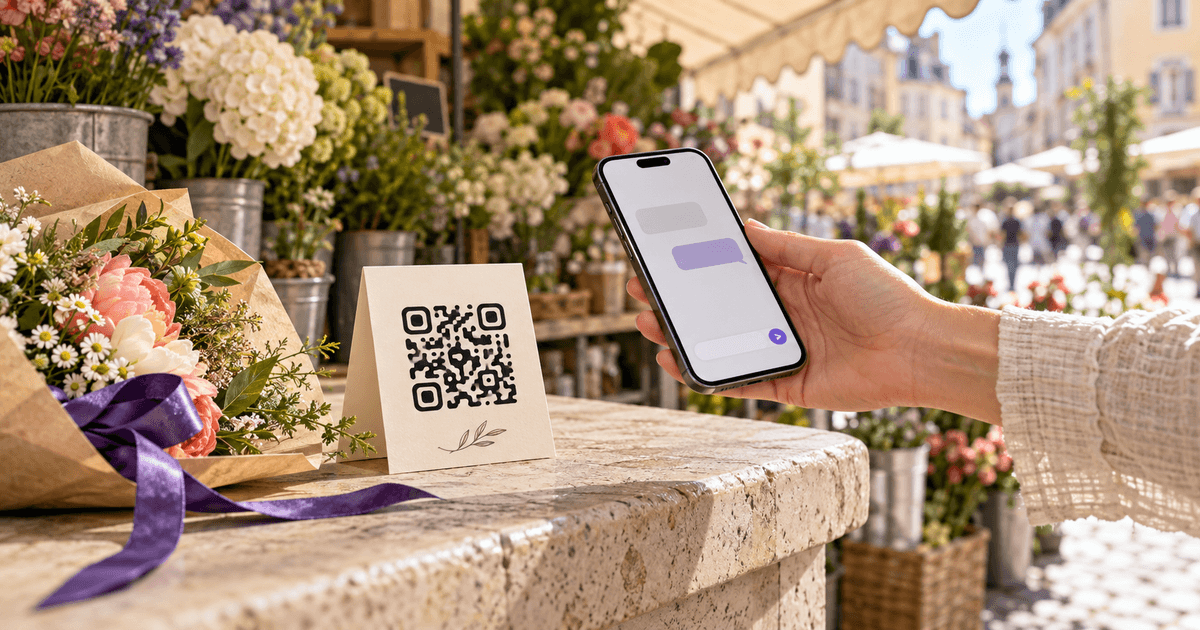
A WhatsApp QR code should do one small job: open the correct chat with the least possible friction. The customer scans, sees the right business or phone number, taps send and starts a conversation—without typing a number or saving a contact first.
The code itself is easy. The decisions around it are where campaigns break: a local-format phone number is encoded instead of an international one, the prefilled message is too long, the sign is printed before anyone tests it, or one generic code is used across five locations and nobody can tell which placement worked.
This guide shows both official routes: WhatsApp Business's built-in QR and a custom wa.me link made with the free WhatsApp QR Code Generator. It also shows how to measure the funnel in QR Codes Tracker without pretending that a scan is the same thing as a conversation.
Two legitimate routesBuilt-in business QR or your own link
WhatsApp Business can generate a QR from the app's Short link screen. Meta says scanning it opens a chat and can present a prepopulated message. The same short-link screen lets the business share the link or edit the default message.
A custom code starts with WhatsApp's documented click-to-chat address:
https://wa.me/<number>
The number must be in full international format with digits only—no plus sign, spaces, brackets or hyphens. A US example is https://wa.me/15551234567. To add a draft message, append ?text= followed by URL-encoded text.
WhatsApp Business QR
Created inside the Business app from its Short link tools. It opens the business chat and can include the default message. Good when one business number owns the sign.
Custom wa.me QR
You build the documented click-to-chat URL, verify it, then export a static PNG or SVG—or place a trackable redirect in front when analytics and editing matter.
Neither method needs the customer to save the contact before messaging. A custom code is useful when you need a particular print size, SVG output, a placement-specific message or your own dynamic redirect. The built-in code is useful when the business owner wants the shortest official setup inside the app.
Make the link correctlyNumber first, message second
The most common failure is formatting the number as it appears on a business card. WhatsApp does not want punctuation or the domestic trunk prefix. It wants the country code and subscriber number as one run of digits.
For example, a fictional US number displayed as +1 (555) 123-4567 becomes:
https://wa.me/15551234567
A message such as “Hi, I saw the window sign. Is the blue bike available?” becomes a URL-encoded query after ?text=. The WhatsApp QR preset handles both cleanup and encoding in the browser.
Enter the full international number
Select the country or include its country code. Remove the plus sign, spaces, brackets, hyphens and any domestic-only leading zero.
Write a useful opening message
Give the customer a sentence worth sending: the product, location or request. Avoid a generic 'Hello' when the placement already supplies context.
Generate the QR
Use the WhatsApp preset for a direct static code, or create a dynamic redirect in QR Codes Tracker if the destination may change or scans must be separated by placement.
Open the destination yourself
Scan with a phone that has WhatsApp and verify the correct recipient and exact draft message before approving the artwork.
Test the fallback
Open the encoded link in a private browser and on a phone without an active WhatsApp session so the non-app path is not a surprise.
Print one physical proof
Test the real material, size, lighting and viewing distance with both iPhone and Android before ordering the full run.
The prefilled message is not sent automatically. It appears for the customer to review and send. That is useful: the customer remains in control, and the message can include the context your team needs to route the conversation.
Use the message as a routerContext beats a blank “Hi”
One phone number can serve many products, branches or campaigns. The prefilled text can tell the team which conversation the code intended to start.
Shop window
- Draft message
- Hi, I saw the window display. Is item A17 available?
- What the team learns
- Interest in item A17
Hotel room
- Draft message
- Hi, I am in room __ and need help with __.
- What the team learns
- Guest service request
Event poster
- Draft message
- Hi, I saw the September event poster. Is registration open?
- What the team learns
- Poster campaign
Product box
- Draft message
- Hi, I need help with product model __.
- What the team learns
- Post-purchase support
Property sign
- Draft message
- Hi, I am at listing code K14. Is a viewing available?
- What the team learns
- Exact listing and intent
| Placement | Draft message | What the team learns |
|---|---|---|
| Shop window | Hi, I saw the window display. Is item A17 available? | Interest in item A17 |
| Hotel room | Hi, I am in room __ and need help with __. | Guest service request |
| Event poster | Hi, I saw the September event poster. Is registration open? | Poster campaign |
| Product box | Hi, I need help with product model __. | Post-purchase support |
| Property sign | Hi, I am at listing code K14. Is a viewing available? | Exact listing and intent |
Source: CalculatorAI · calculatorai.app · CalculatorAI campaign examples; WhatsApp click-to-chat syntax
Do not put sensitive personal data in the prefilled text. The link is visible to anyone who inspects or shares it, and a message on public packaging can be initiated by anyone. Ask for order numbers, health information or private account details after the conversation begins through the business's approved process.
Also plan who answers. A beautiful QR that opens an unattended number adds frustration instead of removing it. Put service hours or an expected reply time next to the code when immediate response is not realistic.
QR densityLonger messages create denser symbols
A QR code stores the entire direct wa.me URL. More characters require more modules—the individual black and white squares. At the same printed width, a denser grid makes every module smaller.
Using the same QR encoder as the site, a chat-only link at error correction M produced a 25×25 grid. A 117-character booking link produced 45×45. At error correction H, which adds more redundancy, those examples became 29×29 and 57×57.
Chat only · 25 characters
- Error correction M
- 25×25 · 13.2 mm
- Error correction H
- 29×29 · 14.8 mm
- Practical lesson
- Smallest direct code
Short question · 69 characters
- Error correction M
- 37×37 · 18.0 mm
- Error correction H
- 49×49 · 22.8 mm
- Practical lesson
- Good general-purpose length
Campaign message · 104 characters
- Error correction M
- 41×41 · 19.6 mm
- Error correction H
- 53×53 · 24.4 mm
- Practical lesson
- Print larger and test
Booking message · 117 characters
- Error correction M
- 45×45 · 21.2 mm
- Error correction H
- 57×57 · 26.0 mm
- Practical lesson
- Dense for a small card
Dynamic redirect · 35 characters
- Error correction M
- 29×29 · 14.8 mm
- Error correction H
- 37×37 · 18.0 mm
- Practical lesson
- Short, but depends on redirect
| Payload | Error correction M | Error correction H | Practical lesson |
|---|---|---|---|
| Chat only · 25 characters | 25×25 · 13.2 mm | 29×29 · 14.8 mm | Smallest direct code |
| Short question · 69 characters | 37×37 · 18.0 mm | 49×49 · 22.8 mm | Good general-purpose length |
| Campaign message · 104 characters | 41×41 · 19.6 mm | 53×53 · 24.4 mm | Print larger and test |
| Booking message · 117 characters | 45×45 · 21.2 mm | 57×57 · 26.0 mm | Dense for a small card |
| Dynamic redirect · 35 characters | 29×29 · 14.8 mm | 37×37 · 18.0 mm | Short, but depends on redirect |
Source: CalculatorAI · calculatorai.app · qrcode encoder output in drafts/whatsapp-qr-code-numbers.mjs
Those millimetres are mathematical minimums for a 0.4 mm module, not a promise that a glossy 18 mm code across a dark room will scan. For close handheld use, start around 30 mm wide. Increase size with distance; a common field rule is roughly one unit of code width for every ten units of scanning distance. A code intended to scan from one metre therefore starts near 10 cm, then needs a real-world test.
Keep a clear quiet zone around the symbol. Use a light background, dark modules, matte material and enough empty space that nearby text or decoration does not touch the grid. Export SVG for large signs so edges remain sharp.
Static or dynamicPermanent simplicity versus editable measurement
A direct wa.me QR is static. The final WhatsApp address is printed inside the modules. The code has no subscription, scan limit or expiry timer; it continues to represent that string as long as the print survives. It will still fail as a campaign if the number changes, the WhatsApp account disappears or the link format changes.
A dynamic QR stores a shorter redirect that forwards to the wa.me link. That extra layer can count scans and change the destination after printing. It also creates a dependency: the domain, redirect record and service must remain active.
Use a static code for a countertop card, a short-lived event or a sign that is cheap to replace. Use a dynamic entry in QR Codes Tracker for packaging, multiple branches, expensive permanent signs or any campaign where scan data justifies the dependency. Our static versus dynamic QR guide explains the infrastructure trade-off in detail.
Give every placement its own code
Window, receipt, package and event codes need distinct records or message tags. Otherwise all scans collapse into one number that cannot guide a decision.
Keep the visible call to action specific
'Scan to ask about availability' is stronger than 'Scan me' because the customer knows what happens next.
Preserve contrast and quiet space
Do not place the modules over photography, violet gradients, reflective foil or patterned paper. Brand the surrounding card, not the data cells.
Design for the weakest environment
A code that works on a bright monitor can fail on a dim menu, curved bottle or scratched delivery box. Test the actual substrate.
Keep the destination register
Record number, message, owner, placement, print date and destination type before files are sent to a printer.
Retest after operational changes
New phone, reassigned team, changed support hours or a replaced redirect can break the experience even though the printed squares look unchanged.
Measure the conversation funnelA scan is only the first event
A dynamic QR platform can observe the redirect request. WhatsApp can show the business a conversation. Your CRM or booking system can show a qualified lead or purchase. Those are different systems and different denominators.
Consider a hypothetical campaign with 1,200 scans, 510 conversations, 102 qualified inquiries and 31 bookings:
510 ÷ 1,200 = 42.5%102 ÷ 510 = 20.0%31 ÷ 102 = 30.4%31 ÷ 1,200 = 2.6%The 690 scans without recorded conversations do not prove the QR failed. A person may scan twice, inspect the profile, close the draft, use another device or message later. Equally, a conversation can arrive after the link was forwarded without a new tracked scan. Use aggregated funnel rates to compare placements, not to claim person-level surveillance.
Improve the stage that actually leaks. Low scan rate suggests weak placement, size or call to action. Many scans but few conversations suggests the destination, trust signal or draft message is wrong. Conversations without qualified outcomes suggest routing, response time or offer quality—not the QR image.
Do not scan a login QR from a strangerChat codes and device codes are different
A customer-facing business QR opens a wa.me chat. A WhatsApp Web or linked-device QR authorizes another device to access an account. They may both look like square patterns, but their security meaning is completely different.
Never scan a linked-device or login QR sent by an unknown person, a “support agent” or a website promising verification. It can link someone else's browser or computer to the account. WhatsApp's official guidance lets users review and log out linked devices from the app. If something looks wrong, open the linked-devices list, remove unfamiliar sessions and secure the account.
For printed business materials, inspect the decoded destination before distribution. It should be the intended wa.me number or the dynamic domain you control—not an unrelated login, shortened domain or file download.
The minimum campaign registerMake the code maintainable
Owner
- Example
- Retail support
- Why it matters
- Someone is accountable for replies
Destination
- Example
- +1 555 123 4567
- Why it matters
- Number can be reverified
Message tag
- Example
- WINDOW-A17
- Why it matters
- Conversation source remains visible
Placement
- Example
- Main window · north entrance
- Why it matters
- Scan results can guide placement
Type
- Example
- Static direct / dynamic redirect
- Why it matters
- Explains whether it can be edited
Proof date
- Example
- 2026-09-25
- Why it matters
- Shows when the physical test passed
Asset
- Example
- SVG master + print PDF
- Why it matters
- Prevents rebuilding from screenshots
| Field | Example | Why it matters |
|---|---|---|
| Owner | Retail support | Someone is accountable for replies |
| Destination | +1 555 123 4567 | Number can be reverified |
| Message tag | WINDOW-A17 | Conversation source remains visible |
| Placement | Main window · north entrance | Scan results can guide placement |
| Type | Static direct / dynamic redirect | Explains whether it can be edited |
| Proof date | 2026-09-25 | Shows when the physical test passed |
| Asset | SVG master + print PDF | Prevents rebuilding from screenshots |
Source: CalculatorAI · calculatorai.app · CalculatorAI QR campaign workflow
Name the record before downloading. “WhatsApp final v6” is not a campaign identifier. “North-window-A17-2026Q4” tells the next person where the code lives and why it exists.
Frequently asked questions
How do I make a QR code that opens a WhatsApp chat?
Build https://wa.me/ plus the full international phone number using digits only, optionally add a URL-encoded ?text= message, verify the link and convert it to a QR. The WhatsApp QR preset handles the formatting.
Can customers message without saving my number?
Yes. WhatsApp's click-to-chat link and WhatsApp Business QR open the chat without requiring the customer to save the contact first.
Does a WhatsApp QR code expire?
A static direct code has no timer. It works while the encoded wa.me destination and WhatsApp account remain valid. A dynamic code also depends on its redirect service staying active.
Can I add a prewritten WhatsApp message?
Yes. Append ?text= and URL-encode the message, or enter it in the generator. The customer sees a draft and chooses whether to send it; it is not sent automatically.
Can I track who scanned my WhatsApp QR?
A dynamic redirect can count scan events and broad technical attributes, but it does not identify every person or prove who sent a WhatsApp message. Measure aggregated scans, conversations and outcomes separately.
What size should a WhatsApp QR code be?
For a close-range card, 30 mm is a safer starting point than the mathematical minimum. Increase size with viewing distance, preserve the quiet zone and test the physical proof on multiple phones.
Is a WhatsApp chat QR the same as the WhatsApp Web QR?
No. A chat QR opens a wa.me conversation. A WhatsApp Web or linked-device QR authorizes account access on another device and should never be scanned for an unknown person.
Sources and methodology
- WhatsApp Help: How to use click to chat documents the
wa.menumber format and prefilled-text syntax. - WhatsApp Help: How to use short links documents the Business app's Short link and default-message controls.
- WhatsApp Help: How to use a QR code for WhatsApp Business documents the in-app business QR workflow.
- Meta Newsroom: New Ways to Connect With Businesses on WhatsApp describes scanning a business QR to open a chat with an optional prepopulated message.
- WhatsApp Help: How to link a device provides the official linked-device context used in the security distinction.
- Module counts and minimum widths were generated with the
qrcodeJavaScript encoder at error correction M and H indrafts/whatsapp-qr-code-numbers.mjs. The 0.4 mm module and 1:10 distance ratio are practical print guidelines, not guarantees in the QR standard. Funnel numbers are hypothetical arithmetic, not product performance claims.
Create the direct code in the free WhatsApp QR Code Generator. If it will live on expensive packaging, needs editing later or must be compared across locations, create one named record per placement in QR Codes Tracker. Then print one proof, scan it in the real light and send the test message before anyone orders a thousand copies.