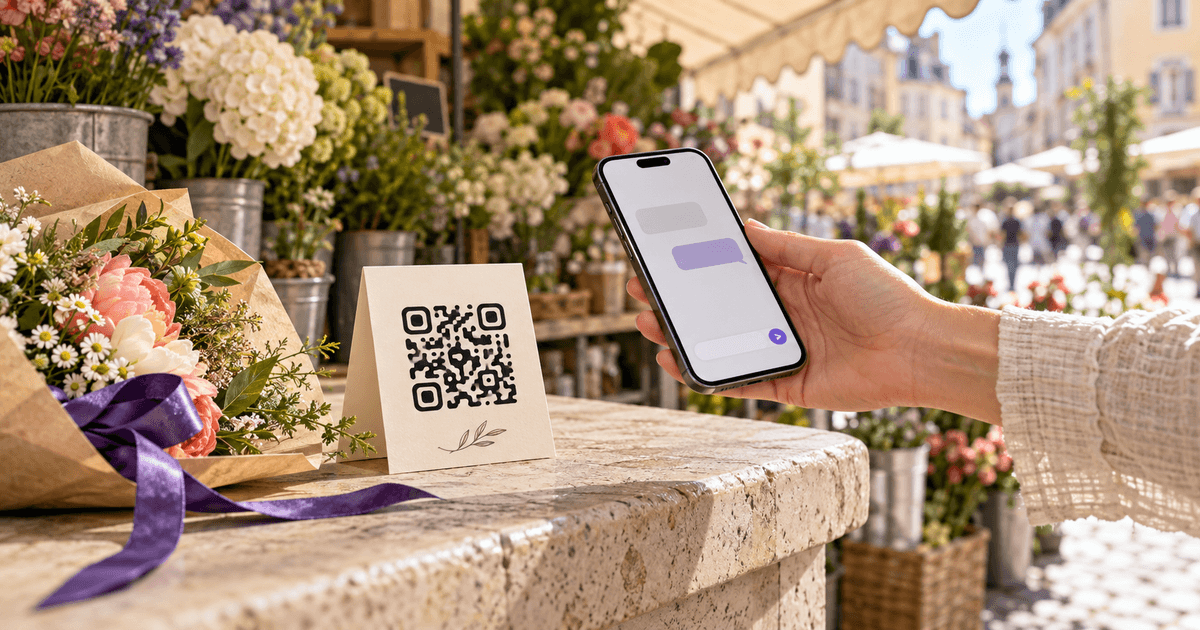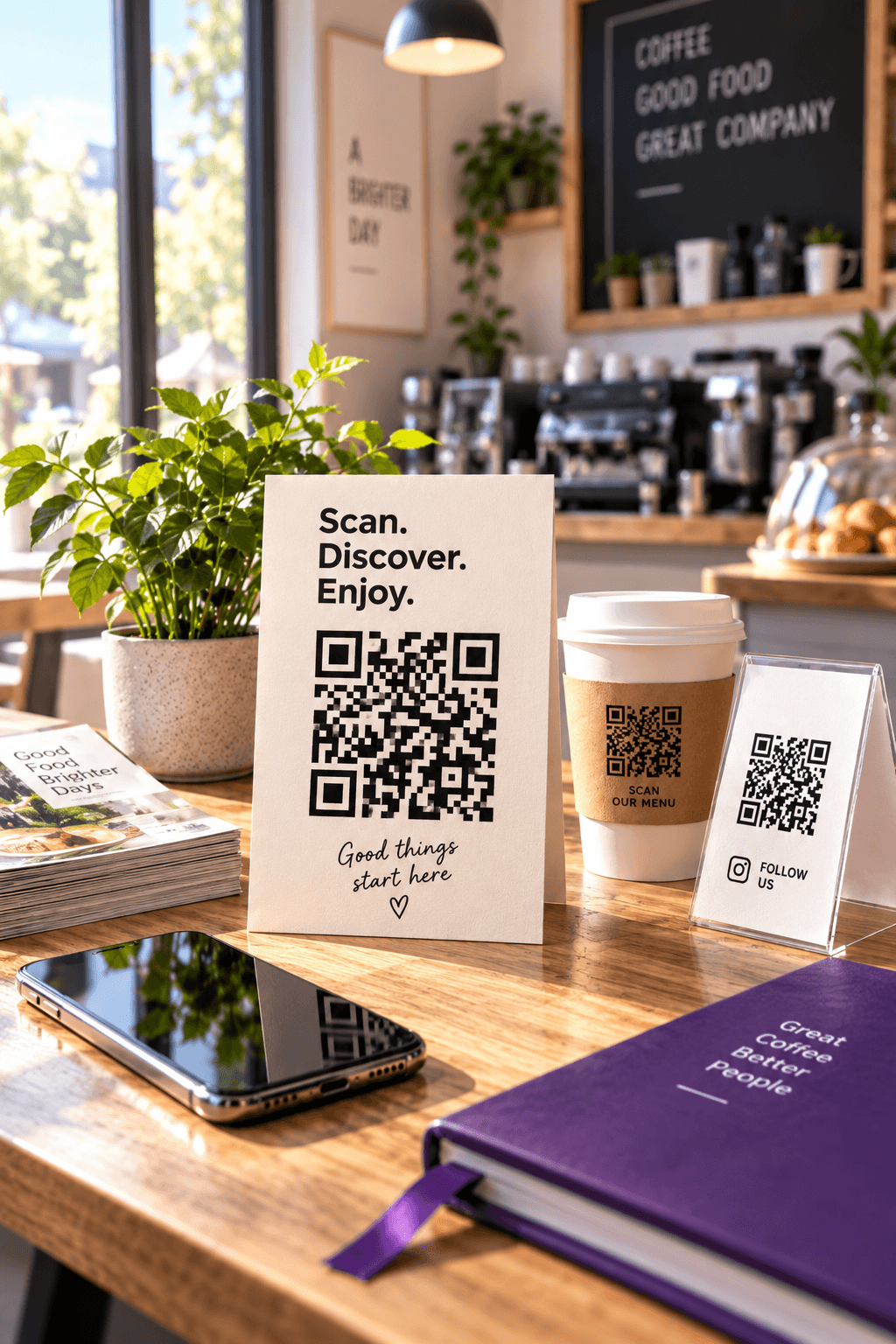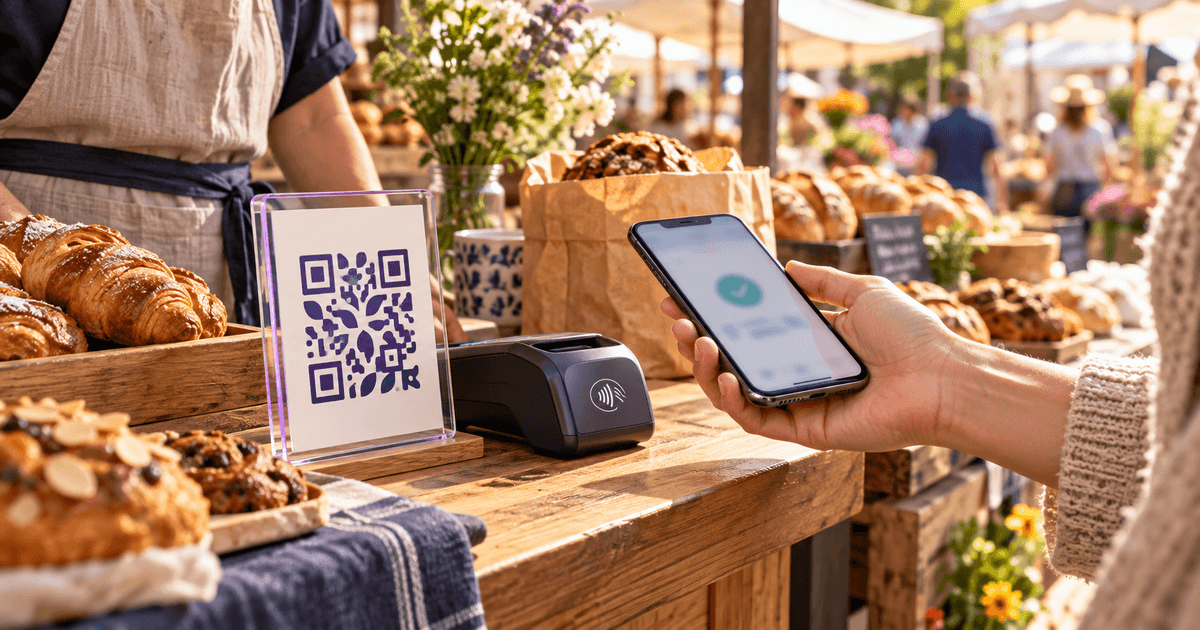
A payment QR code looks like the simplest sign in the shop: print a square, tape it next to the till, get paid. The square is the easy part. The decisions that matter sit behind it — which code you print, which fee it triggers, and whether a customer can tell it is really yours before they send money.
PayPal and Venmo both generate payment codes inside their own apps, and for most sellers those codes are the right starting point. A custom code built from your PayPal.Me link is the right tool for a narrower set of jobs: a branded sign, a code that opens in any phone camera, or one you want to count scans on. Venmo is different again, because its codes are made to be read by the Venmo app.
This guide walks through each route, prices it on real ticket sizes with the rates PayPal and Venmo publish, and ends with the checks that keep a printed payment code from becoming someone else's.
Pick the routeThree ways to get paid from a scan
There are three distinct things people mean by "a PayPal or Venmo QR code", and they lead to different fees and different protections.
PayPal or Venmo's own code
Generated inside your PayPal or Venmo account. PayPal's business QR and Venmo's business-profile code are designed for in-person sales and carry their own published commercial rate. Nothing to build, nothing to host.
A custom code for your PayPal.Me link
Your public paypal.me address encoded in a code you style yourself — your colours, logo and a “Scan to pay” frame. It opens in any phone camera and can be made dynamic to count scans. The payer still confirms the payment inside PayPal.
The third meaning — a friend's personal code — is not a selling tool at all. Personal payments between friends and family are free on both services when funded from a bank account or balance, but they are meant for exactly that. Venmo's help pages say plainly that if a payment to a personal profile was not marked as a purchase, Venmo "may be unable to recover funds or merchandise lost." A customer paying a business through a friends-and-family transfer gives up the protection a purchase would carry, and a seller who asks for it is asking the customer to take that risk.
What each scan costsFees on $20, $50 and $100
These are the rates each company publishes for receiving money in the US, applied to three ticket sizes a café, a market stall or a freelancer actually sees. The seller pays every fee below; the customer pays nothing extra when they fund the payment from a balance, bank account or debit card.
Venmo business profile or tagged purchase
- Published rate
- 1.9% + $0.10
- $20 sale
- $0.48
- $50 sale
- $1.05
- $100 sale
- $2.00
PayPal business QR code
- Published rate
- 2.29% + $0.09
- $20 sale
- $0.55
- $50 sale
- $1.24
- $100 sale
- $2.38
Venmo Tap to Pay
- Published rate
- 2.29% + $0.10
- $20 sale
- $0.56
- $50 sale
- $1.25
- $100 sale
- $2.39
PayPal goods and services (PayPal.Me, personal account)
- Published rate
- 2.99%
- $20 sale
- $0.60
- $50 sale
- $1.50
- $100 sale
- $2.99
PayPal payment link through checkout
- Published rate
- 3.49% + $0.49
- $20 sale
- $1.19
- $50 sale
- $2.24
- $100 sale
- $3.98
| Route | Published rate | $20 sale | $50 sale | $100 sale |
|---|---|---|---|---|
| Venmo business profile or tagged purchase | 1.9% + $0.10 | $0.48 | $1.05 | $2.00 |
| PayPal business QR code | 2.29% + $0.09 | $0.55 | $1.24 | $2.38 |
| Venmo Tap to Pay | 2.29% + $0.10 | $0.56 | $1.25 | $2.39 |
| PayPal goods and services (PayPal.Me, personal account) | 2.99% | $0.60 | $1.50 | $2.99 |
| PayPal payment link through checkout | 3.49% + $0.49 | $1.19 | $2.24 | $3.98 |
Source: CalculatorAI · calculatorai.app · PayPal merchant and consumer fee pages; Venmo Help, Business Profile Transaction Fees; drafts/payment-qr-code-numbers.mjs
Three things stand out.
The in-person rates are the cheapest paid routes. PayPal prices QR code transactions at 2.29% + $0.09 — well under the 3.49% + $0.49 it charges for checkout and payment links. Venmo's business-profile rate of 1.9% + $0.10 is lower still. Venmo's own example matches the table: a $100 payment to a business profile leaves the owner $98.
The fixed part dominates small tickets. On a $5 coffee the PayPal QR fee is $0.20 — 4.0% of the sale, not 2.29%. The same fixed charge is noise on a $500 invoice. If most of your sales are under $10, price that in rather than reading the headline percentage.
Checkout links are the expensive way to collect at a counter. A link that sends a customer through PayPal's full checkout costs $3.98 on $100 — nearly double the in-person QR rate. Our PayPal invoice fees breakdown shows how the same 3.49% + $0.49 adds up on a $1,000 invoice; for walk-up sales, the app's own QR code is the cheaper tool.
A year at a weekend market stall
600 sales a year averaging $25 each — $15,000 of takings. The same customers, the same tickets, four ways of being paid.
The gap between the cheapest and the most expensive route is $468 a year on the same $15,000 of sales. Choosing the code is a pricing decision, not a design one.
PayPalTwo codes, two jobs
The app's own code is the fastest path. In the PayPal app, tap the QR icon at the top of the home screen and choose Your code; the payer scans it, enters the amount and chooses how to pay. A PayPal business account can create its business QR code from the account and display it on a phone, a counter card or in-store signage — and that is the code the 2.29% + $0.09 rate applies to.
A custom code from your PayPal.Me link suits a different job. PayPal.Me gives every account one public address in the form paypal.me/YourName. Anyone who opens it can type an amount and pay you, and you can fix the amount by adding it to the end: PayPal's own example is PayPal.Me/DiaRusso/25 to request $25.00, and adding a currency code such as 25AUD requests another currency.
Copy your PayPal.Me link
Find it in your PayPal profile. Open it in a private browser window to confirm it shows your name and photo exactly as a customer will see them.
Decide on a fixed amount — or not
A stall with one price can end the link in /5 or /25 so every scan arrives pre-filled. A shop with varied prices should leave it off, so the customer types the total.
Paste it into the generator
Use the free QR Code Generator's link type. Keep the default High error correction if you add a logo in the middle.
Add a frame that says what happens
“Scan to pay with PayPal” beats a bare square. Add your handle in plain text beside the code so a payer can check it — more on that below.
Download SVG for print, test on two phones
Print at the final size and scan with one iPhone and one Android phone under the real lighting before you order a stack of cards.
Two limits are worth knowing before you print. A PayPal.Me link cannot be changed once it is created — PayPal's help pages say you have to contact PayPal to change or delete it — so choose the name with the sign in mind. And one PayPal.Me link exists per account, so a business with several locations shares one address across all of them; separate the locations with separate dynamic codes if you want to know which sign is earning its place.
The link is short — https://paypal.me/MapleBakeryCo/25 is 34 characters and encodes at QR version 4 at High error correction, a 33×33 grid that prints cleanly from about 16 mm wide. A payment code is not a place to save space, though: on a counter, 30–40 mm is the comfortable minimum, and a window sign read from a metre away needs roughly 10 cm.
VenmoUse Venmo's own code
Venmo's QR codes are built for the Venmo app's scanner. Its help pages describe two of them: the personal Venmo me code (in the Me tab, tap the QR button on your profile picture) and, for business profiles, a code under Charge → QR code → Venmo me. The business version can be downloaded as a high-quality PDF from the printer icon and can carry a preset dollar amount — the customer sees it pre-filled and can still edit it.
Venmo does not document a public web address you could encode yourself in a custom code, so for Venmo the honest advice is: print Venmo's code, and design around it. Put it in a frame with a clear instruction — "Open Venmo, tap Scan" — and your business name in plain text, because a regular phone camera is not the scanner Venmo's instructions describe.
Static or dynamicPick the one a payer can verify
For most QR jobs we would point a permanent printed sign at a dynamic code, so the destination can be fixed after printing — our static vs dynamic QR guide explains why. Payment codes are the exception where that rule bends.
When a customer scans a code, most phone cameras preview the address before opening it. A static code built from your PayPal.Me link previews paypal.me/YourName — a domain and a name the customer can recognise. A dynamic code previews the redirect's own short address first and only forwards to PayPal afterwards. Both end in the same PayPal payment screen, but the static one lets a cautious payer check the destination before they tap.
Choose static when
The code points at a PayPal.Me link that will not change, the sign sits at a counter you control, and you do not need scan counts. It never expires and needs no account.
Choose dynamic when
You plan to switch accounts — say, from a personal PayPal to a business one — or run several signs and want to know which gets scanned. Name each record by placement in the QR Codes Tracker.
Use the app's code when
You want the lowest published in-person rate on PayPal, or you take Venmo at all. Download it from the app and give it a clear frame.
A PayPal.Me link that is never going to change removes the main reason for a dynamic code. Where you do need one, CalculatorAI's free plan includes one dynamic code with scan counts; static codes are free without an account. Either way, the payment itself always happens inside PayPal, and no QR tool sees or touches the money.
Keep the sign safeQuishing is aimed at codes like this
A printed payment code is an attractive target: anyone can stick their own code over yours. The FTC has warned about exactly this pattern on parking meters — a fraudulent sticker covering the real code — most recently in its September 2026 alert See a QR code parked somewhere? Don't scan it…yet!, and its advice is to check the link a QR reader previews for misspellings before opening it.
Print your handle next to the code
“PayPal: paypal.me/MapleBakeryCo” or “Venmo: @MapleBakery” in plain text gives every customer something to compare against the name the app shows.
Mount it where a sticker shows
Laminate it, put it behind acrylic or tape the edges. A sticker on top of glass is obvious; a sticker on a paper card is not.
Check it at opening time
Scan your own sign every morning. It takes ten seconds and is the only test that catches a swapped code.
Say it out loud
A line at the till — “you should see Maple Bakery Co before you confirm” — turns every customer into a second check.
After the payment lands, the customer's notification proves money moved — not what it paid for. If they need a record for expenses, issue one: our guide on how to make a receipt for payment covers what a PayPal or Venmo receipt should show.
Frequently asked questions
Can I make a PayPal QR code for free?
Yes. PayPal's app generates one at no charge, and a custom code for your PayPal.Me link can be made free in the QR Code Generator. You pay PayPal's transaction fee only when someone pays you for goods or services.
Can a PayPal QR code include a fixed amount?
A PayPal.Me link can: add the amount after your name, as in paypal.me/YourName/25, and the payment opens pre-filled with $25.00. Encode that link in a code and every scan asks for the same amount.
Can I make a Venmo QR code with my own design?
Venmo documents its own codes, which the Venmo app scans, rather than a web link you could encode yourself. Download your business-profile code as a PDF from the app and design the frame around it.
What does a business pay on a $100 PayPal QR payment?
$2.38 — PayPal's QR code rate of 2.29% plus $0.09, as published on its US merchant fees page on 1 October 2026. On Venmo's business profile the same payment costs $2.00.
Should customers pay me with friends and family to save the fee?
No. Friends-and-family payments are for friends and family, and a buyer who uses them to pay a business loses the purchase protection a tagged purchase or a business payment would carry.
Do payment QR codes expire?
A static code never does — it holds your link itself. A dynamic code keeps working as long as the redirect behind it stays active; our guide to whether QR codes expire separates the two.
Where these numbers come from
- PayPal fees: PayPal's US merchant fees page, "last updated October 1, 2026" — QR code transactions 2.29% + $0.09 (USD), send/receive money for goods and services 2.99%, PayPal checkout and payment links 3.49% + $0.49. PayPal's consumer fees page (updated May 19, 2026) for free domestic personal payments from a balance or bank.
- PayPal.Me: PayPal Help, "PayPal.Me FAQs" — one link per account, the link cannot be changed once created, amounts and currency codes can be appended. PayPal Help on QR code payments for the Your code steps; PayPal's "QR Codes for Business" page for the business QR.
- Venmo: Venmo Help, "Business Profile Transaction Fees" (1.9% + $0.10 on payments of $1.00 or more; Tap to Pay 2.29% + $0.10); "QR codes for Business Profiles" (PDF download, preset amounts); "Personal QR codes on Venmo FAQ"; "Selling with Personal Profiles" and "Buying and Selling on Venmo FAQ" (tagged purchases, the $100 → $98 example). Venmo's consolidated fees page and its purchase-protection page refused automated access, so the 1.75% instant-transfer fee ($0.25 minimum, $25 maximum) was confirmed from venmo.com's indexed fees page rather than a direct read.
- Fraud guidance: FTC consumer alert, September 2026, "See a QR code parked somewhere? Don't scan it…yet!", and the FTC's December 2023 alert on harmful links in QR codes.
- Every fee is the published rate applied to the amount and rounded to the cent; the market-stall year is 600 identical $25 sales, which flatters the percentage-only route slightly because real tickets vary. QR versions come from the
qrcodeencoder the site's generator uses. Arithmetic:drafts/payment-qr-code-numbers.mjs. - Rates change; the fee shown on each transaction in your PayPal or Venmo activity is the authoritative number for that payment.