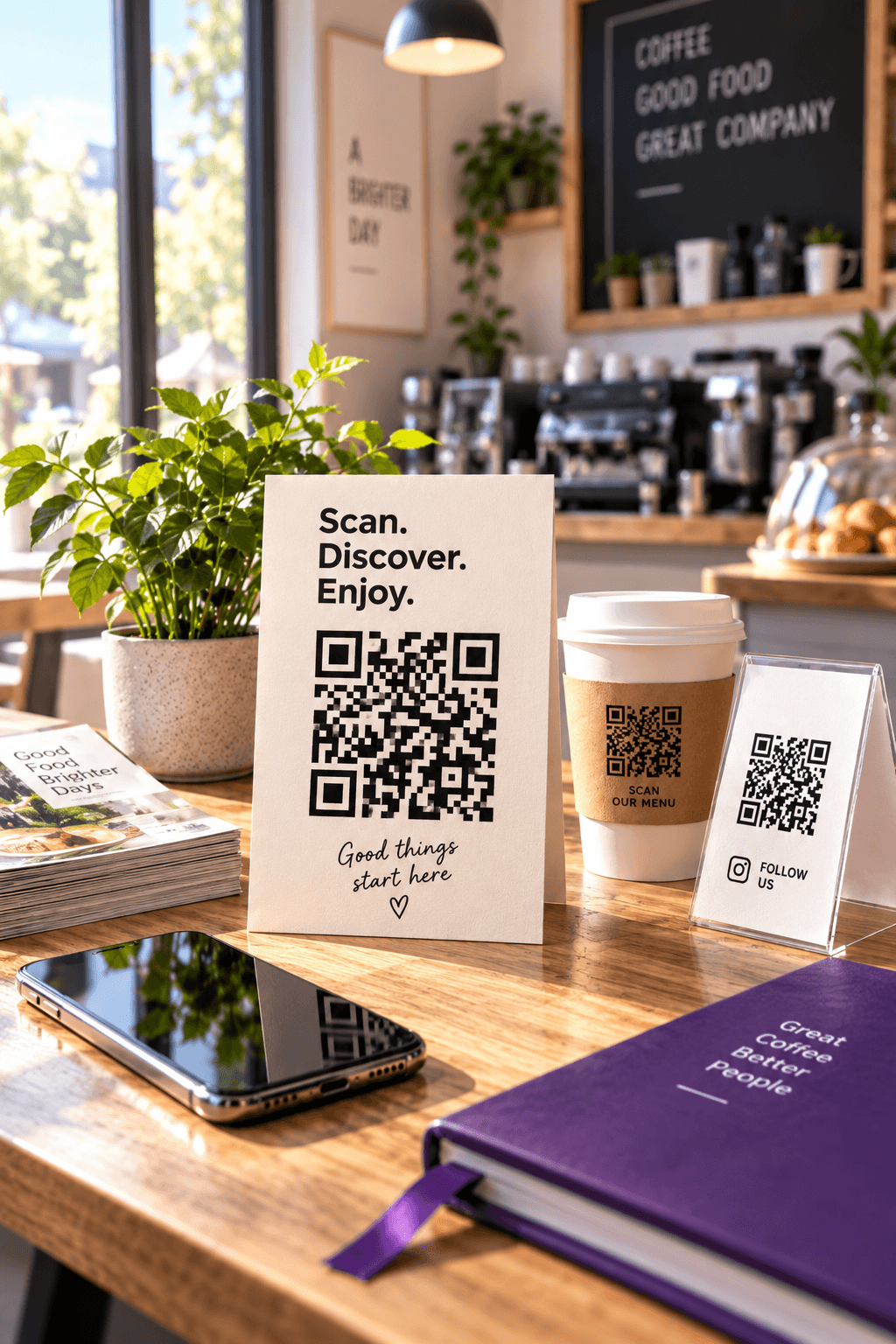
An Instagram QR code is a printed shortcut to a profile. Put it on a shop counter, product insert, event sign or business card and a customer can move from the physical world to the correct account without typing a username—and without landing on an impersonator with a similar handle.
The safest way to make one is also the simplest: copy the public profile URL, encode that exact URL in a static QR code, and test the printed result. It is free, it does not depend on Instagram’s current menu layout, and the code itself cannot expire. If the username or destination may change after printing, use a dynamic code instead.
This guide gives you both workflows, the exact print sizes for short and long Instagram handles, a testing checklist, and a clean way to measure scans without pretending a scan is a follow.
Start with the linkUse the public profile URL, not a search result
Your destination should look like this:
https://www.instagram.com/yourusername/A Google search result, a login page or a temporary share screenOpen the URL in a private browser window before generating the codeCopy the link from the profile you control, paste it into a private/incognito window and confirm that it opens the intended public profile. This catches spelling errors, private or unavailable accounts and accidental links to a post when you meant the profile.
The browser method is more durable than instructions tied to one version of the Instagram app. App labels and button locations move; the public web address is the thing the QR code ultimately needs.
Make it freeStatic code in five steps
Copy the exact Instagram profile URL
Use the profile's share or copy-link action, or build https://www.instagram.com/yourusername/ carefully. Open it in a private tab and verify the account.
Paste it into the URL generator
Open the free QR Code Generator, choose URL and paste the link. The preview is produced in your browser; a static code needs no account or redirect subscription.
Keep the contrast strong
Use dark modules on a light background. A restrained purple can work, but do not put a gradient through the code, remove the clear margin or place it over a photograph.
Choose the right file
Download SVG for a window sign, poster, packaging or any design that may be resized. PNG is fine for a slide, email or small digital graphic.
Test the final physical proof
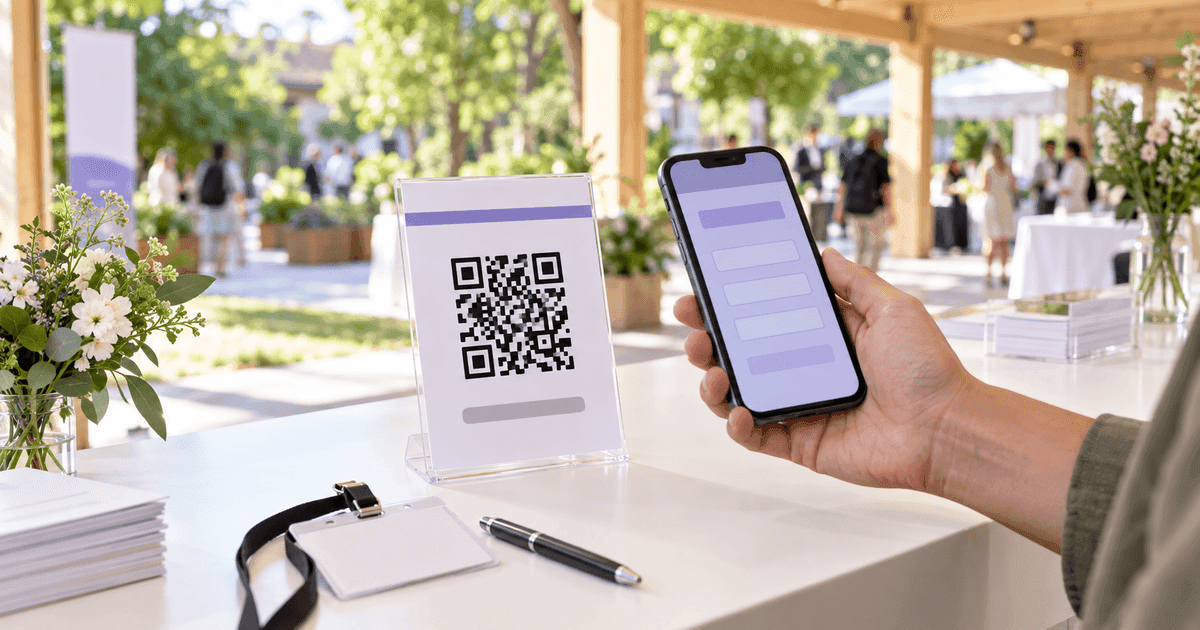
Scan the printed version—not only the screen—with an iPhone and an Android phone, from the distance and lighting your customer will actually use.
Create it now in the QR Code Generator. This is the same basic choice used for a QR-code business card: a direct profile URL is independent and permanent; an editable redirect costs one extra hop but survives a changed destination.
Static or dynamicChoose by the cost of reprinting
Permanent and independent
The Instagram URL is stored directly in the image. There is no QR account to renew and no scan limit. If the username changes, the printed code still points to the old URL and must be replaced.
Editable and measurable
The image stores a short redirect that you control. Repoint it after a username, campaign or destination change and count scans. The redirect record must remain active.
Use static for a short campaign, a home-made card or a sign you can reprint cheaply. Use dynamic for a shop window, packaging, a trade-show stand or hundreds of inserts where a changed handle would make reprinting expensive. The full trade-off is in static vs dynamic QR codes, and the QR expiry guide explains why a static image has no timer while a redirect can depend on a provider.
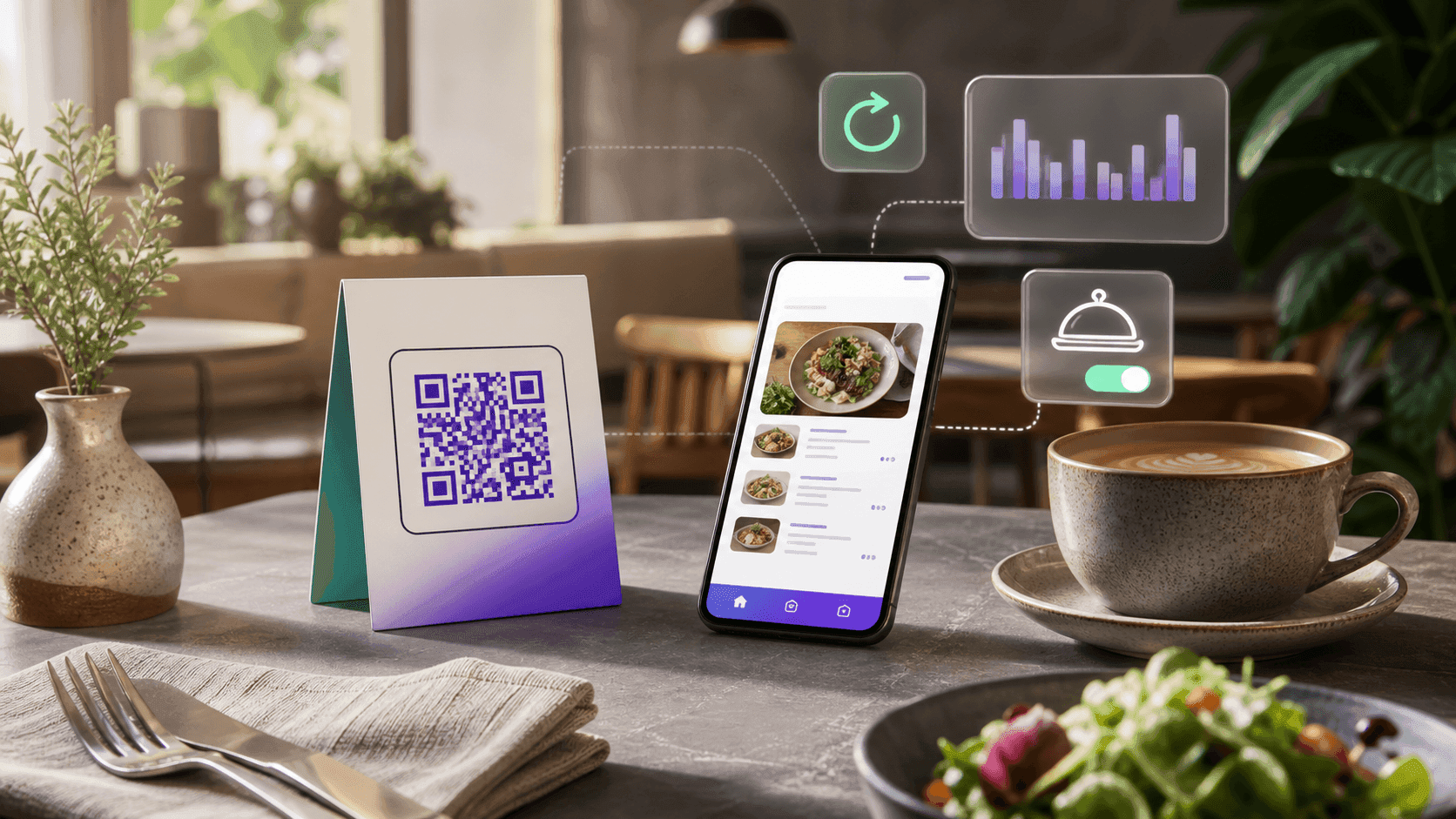
On CalculatorAI, the QR Codes Tracker provides that editable layer and scan analytics. A scan count tells you how often the sign created enough interest to open a link. It does not tell you how many people followed, messaged or bought; those outcomes still belong to Instagram or your checkout.
Print sizeHow large the code should be
A QR code grows in modules as the encoded URL gets longer. We generated three representative Instagram URLs with the same QR library used by the site and calculated the close-range minimum as (modules + 8) × 0.4 mm: the code plus a four-module quiet zone on every side.
Short handle
- Characters
- 36
- Level M minimum
- 29×29 · 14.8 mm
- Level H minimum
- 37×37 · 18.0 mm
Long handle
- Characters
- 45
- Level M minimum
- 33×33 · 16.4 mm
- Level H minimum
- 41×41 · 19.6 mm
Long handle + UTM
- Characters
- 97
- Level M minimum
- 41×41 · 19.6 mm
- Level H minimum
- 53×53 · 24.4 mm
| Encoded link | Characters | Level M minimum | Level H minimum |
|---|---|---|---|
| Short handle | 36 | 29×29 · 14.8 mm | 37×37 · 18.0 mm |
| Long handle | 45 | 33×33 · 16.4 mm | 41×41 · 19.6 mm |
| Long handle + UTM | 97 | 41×41 · 19.6 mm | 53×53 · 24.4 mm |
Source: CalculatorAI · calculatorai.app · drafts/qr-code-for-instagram-numbers.mjs · qrcode library
Those numbers describe an ideal close scan. For real materials, use at least 3 cm on a business card, counter card or package insert; 5 cm on a wall sign; and roughly one-tenth of the intended scanning distance for a poster. A code scanned from two metres away should be about 20 cm wide. Glare, movement and a low-end camera all need more margin, not less.
UTM parameters make the URL longer and the pattern denser. If you need campaign attribution, a short dynamic link normally produces a simpler code and gives you scan analytics directly. If you only need the profile, keep the URL clean.
Design the signThe code needs a reason to scan
A technically perfect square can still be ignored. Pair it with one short promise that explains what appears after the scan:
- See today’s work on Instagram for a studio or maker.
- Scan for new arrivals for a store.
- Follow the event highlights for a venue.
- Watch the recipe for food packaging.
- Message us on Instagram only if direct messages are actually monitored.
Put the account handle in readable text under the code. It gives the customer a fallback and lets them verify the destination before tapping. If you use the Instagram glyph, download the approved asset and follow Meta’s Instagram brand guidelines instead of redrawing it or inventing a look-alike.
Test before printingA two-phone checklist
Correct destination
The preview and opened page show instagram.com and the exact intended handle, not a search result or login URL.
Logged-out view
Open it in a private tab. A customer may not be signed into Instagram, and a private account will reveal much less than its owner sees.
iPhone camera
Apple says the Camera app or Code Scanner can recognize the code; point at it and tap the link banner.
Android camera
Google's Camera and Pixel guidance likewise uses the built-in camera and the link banner. Test one ordinary Android device, not only your own phone.
Final material and light
Scan the real proof under the shop light, behind the window glass or on the curved package. A PDF on a monitor does not reproduce glare, folds or printing.
Distance and angle
Try the intended distance straight on, then at a mild angle. The entire square and its clear quiet zone must stay visible.
Apple’s official iPhone instructions and Google’s official Pixel instructions both rely on the built-in camera and a displayed link. Requiring a special scanner app adds friction your customer should not need.
Measure it honestlyScans are the top of the funnel
For a dynamic code, record four numbers per placement:
scans ÷ estimated impressionsnew followers attributed to campaign ÷ scansmessages, bookings or purchases ÷ scansprint + placement cost ÷ attributed actionsOnly the first number comes directly from the QR tracker, and even impressions are usually estimated. Treat followers and actions as campaign-level measurements rather than promising perfect person-by-person attribution. Use a unique code per placement—counter, window, package, event—so you can compare locations instead of mixing every scan into one total.
If a code is part of a wider form or lead flow, the same discipline applies. Our Google Form QR guide separates scans from completed responses; Instagram separates scans from follows in exactly the same way.
Where these numbers come from
QR grids were generated in drafts/qr-code-for-instagram-numbers.mjs with the qrcode JavaScript library at error-correction levels M and H. Minimum width is (modules + 8) × 0.4 mm, where the extra eight modules are the four-module quiet zone on both sides. The 3 cm, 5 cm and 1:10 recommendations add field margin for print and viewing distance; they are practical guidelines, not limits in the QR standard.
Scanning behavior comes from Apple Support and Google Camera/Pixel Help, checked September 23, 2026. Instagram naming and asset rules come from Meta’s official Brand Resource Center. The article uses the universal public profile URL rather than documenting an in-app menu whose labels can change. CalculatorAI generator and tracker behavior was checked against the product implementation on the same date.
FAQFrequently asked questions
How do I get a QR code for my Instagram profile? Copy the public profile URL, verify it in a private browser window, paste it into the URL QR generator and download PNG or SVG. Test the printed proof with both an iPhone and an Android phone.
Does an Instagram QR code expire? A static code that stores the Instagram URL has no expiration date. It can become outdated if the username changes or unavailable if the profile is removed. A dynamic code also depends on its redirect remaining active.
Can I see who scanned my Instagram QR code? Not from a normal static code. A dynamic tracker can count scans and summarize time or device, but it should not identify individual people. Instagram controls follow, profile and message data.
Should I use PNG or SVG? Use SVG for print because it scales without blur. Use PNG for screens and small digital graphics. In both cases, test the final exported or printed version.
Can I put the Instagram logo in the middle of the code? Yes, if it is small, the code uses high error correction and the result is tested. Use Meta’s approved Instagram glyph and keep the three large finder squares and the outer quiet zone completely clear.
Why does my Instagram QR code not scan? The usual causes are low contrast, a missing quiet zone, a code printed too small, blur, glare, a large centre logo or a crop that cuts the square. If the camera reads the code but the page fails, test the encoded URL separately.
Next stepMake one code, then test the real placement
Paste the verified profile URL into the free QR Code Generator, export SVG and print one proof. If the sign will be expensive to replace or the handle may change, create it in the QR Codes Tracker instead and give every placement its own measurable redirect.