A Google Review QR code can remove four annoying steps—opening Maps, finding the right business, checking the location and locating the review button. It cannot manufacture trust. The code only works when a real customer scans it at the right moment and receives a neutral request to describe a genuine experience.
Google now provides both the review link and a downloadable QR code inside Business Profile. The official path is available in a computer browser, not the mobile interface: Business Profile → Read reviews → Get more reviews. From there you can copy the direct link or save Google's QR image.
There is a second option: copy Google's review link into your own static or dynamic QR code. A static code is simple and permanent. A dynamic code adds scan measurement and lets you repair the destination later, but its redirect must remain active.
The dangerous shortcut is review gating—asking happy customers for Google reviews while diverting unhappy customers somewhere private—or offering a discount for five stars. Google explicitly prohibits incentives and selectively soliciting positive reviews.
CalculatorAI is not affiliated with Google. Interface labels and policies were checked September 24, 2026 and may change.
Get the right destinationUse Google's own review link
Do not encode a Maps search result, your website home page or the public profile page and expect the customer to find the review form. Use the link Google supplies for requesting reviews.
Open the correct Business Profile on a computer
Sign in to the Google account that manages the location and confirm the business name and address before copying anything.
Select Read reviews
Choose Get more reviews from the profile controls. Google currently exposes the downloadable QR code only in a computer browser.
Copy the review link or save Google's QR
The link is useful when you want your own design or trackable redirect; Google's image is the shortest official path.
Test while signed out
Open the destination in a private browser and scan from a second phone. It should identify the right location and lead directly into the review flow.
For a business with several locations, repeat the process inside each location's profile. One generic code that lands on a brand search forces the customer to choose and can send the review to the wrong branch.
Static or dynamicDecide before you print 5,000 receipts
The black-and-white squares do not reveal whether a code is static or dynamic. The difference is the destination stored inside them.
Encode Google's review link directly
No redirect account is required and the code itself does not expire. If Google or the location link changes, the printed code cannot be edited.
Encode an editable tracking redirect
Count scans and change the final review link later. The code depends on the redirect service and its domain staying active.
Use static for a small sign you can replace easily. Use dynamic for packaging, a permanent counter plaque, many branches or a campaign where scan counts justify the extra dependency. Our static vs dynamic QR guide explains the trade-off; Do QR codes expire? separates the printed pattern from the redirect behind it.
To build your own version, paste Google's copied review URL into the QR Code Generator. Keep the full destination in your records so a future manager can verify what was printed.
Design for the scanThe code is not the whole sign
A technically valid code can still fail because it is tiny, glossy, low-contrast or placed where nobody pauses.
Give it a clear instruction
Use neutral copy such as “Review your visit on Google.” Do not promise a reward or ask specifically for five stars.
Preserve the quiet zone
Leave clean empty space around every side. Borders, photos and decorative patterns should not touch the modules.
Use dark on light
Black or very dark modules on white are the safest print choice. Brand color belongs in the frame and heading, not at the cost of contrast.
Print for the real distance
A receipt, tabletop card and window poster need different code sizes. Test from the farthest normal scanning position.
Test both phone families
Scan the final physical proof with recent iPhone and Android devices under the actual lighting—not only the PDF on your monitor.
Include a short fallback
A readable short URL helps customers with damaged cameras, accessibility needs or corporate devices that restrict scanning.
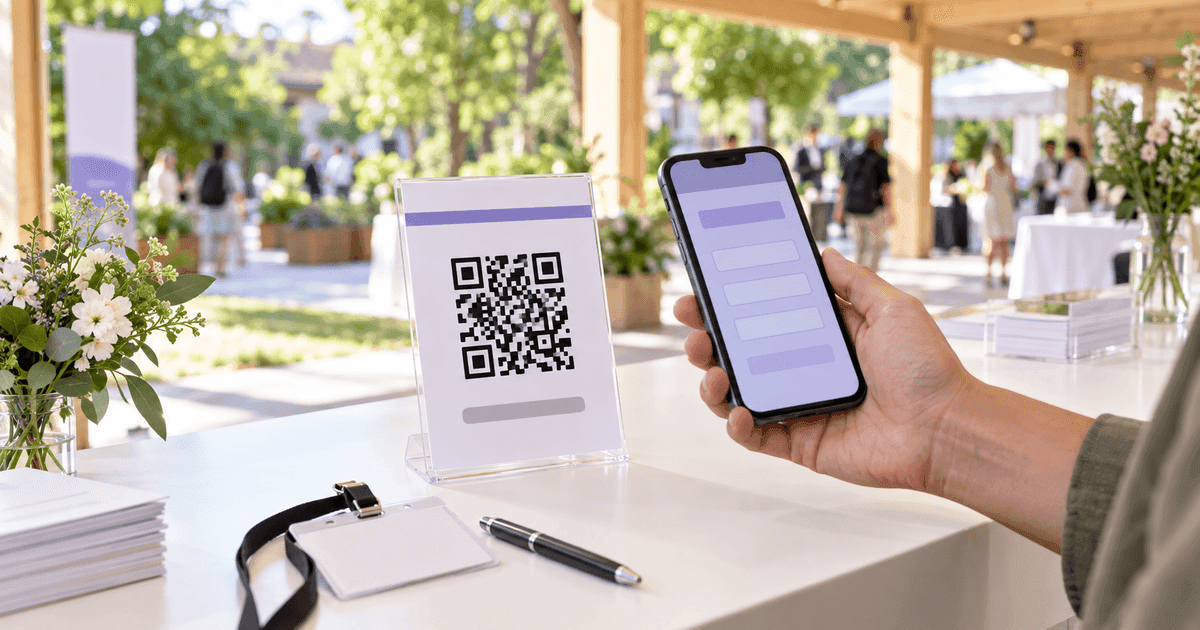
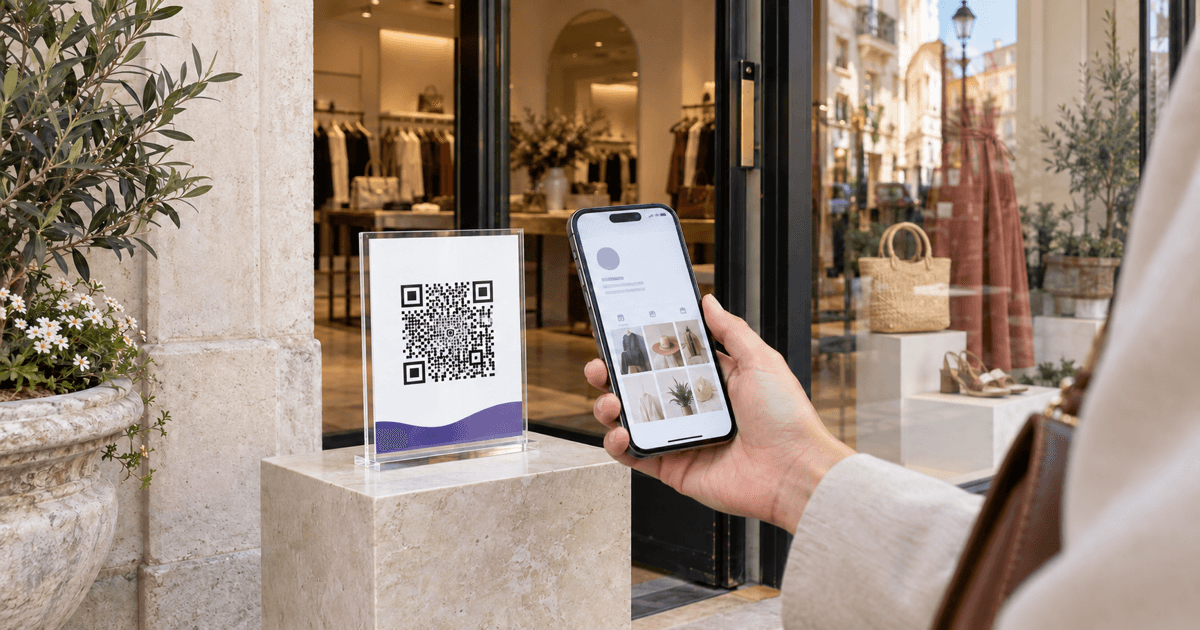
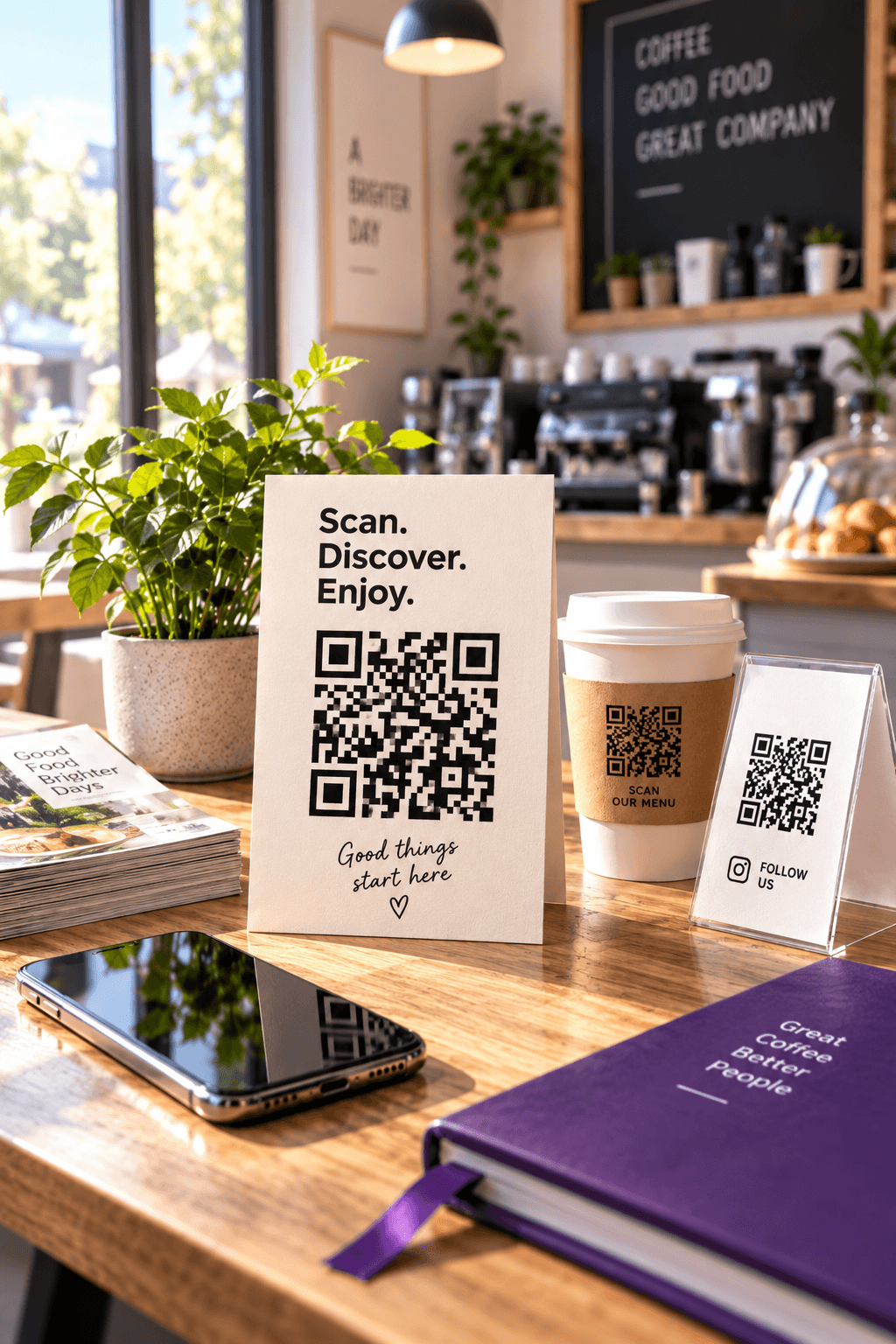
Do not put the code behind reflective acrylic without testing glare. Do not curve it around a cup. Do not print it across a receipt fold. The best placement is a flat surface where the customer has finished the experience but has not yet left the context: a receipt folder, checkout display, delivery insert or thank-you email.
Google itself suggests receipts, thank-you emails, the end of a chat interaction and in-store display.
The policy lineAsk everyone, reward no one
Google permits businesses to encourage reviews that reflect genuine experiences. Its policy prohibits payment, discounts, free goods or services in exchange for a review, including changing or removing a negative review. It also prohibits discouraging negative reviews and selectively soliciting positive ones.
That rules out common funnels such as:
- “Rate us privately first; only satisfied customers see Google.”
- “Show us your five-star review for 10% off.”
- “Mention your server by name to enter the drawing.”
- A staff quota that pressures customers to leave reviews on the premises.
Review your visit on Google
- Assessment
- Generally allowed
- Why
- Neutral request tied to a genuine experience
Get $5 off for a review
- Assessment
- Prohibited
- Why
- Incentive offered for review activity
Happy? Review us. Unhappy? Contact support
- Assessment
- Prohibited
- Why
- Selectively solicits positive public reviews
Tell others what happened today
- Assessment
- Generally allowed
- Why
- Does not dictate rating or required wording
| Request | Assessment | Why |
|---|---|---|
| Review your visit on Google | Generally allowed | Neutral request tied to a genuine experience |
| Get $5 off for a review | Prohibited | Incentive offered for review activity |
| Happy? Review us. Unhappy? Contact support | Prohibited | Selectively solicits positive public reviews |
| Tell others what happened today | Generally allowed | Does not dictate rating or required wording |
Source: CalculatorAI · calculatorai.app · Google Maps user-generated-content policy
Google may remove reviews, pause a profile's ability to receive new reviews, unpublish existing ratings or display a warning when it finds manipulation. The safe system is also the simpler one: offer the same neutral path to every real customer.
Track scans honestlyA scan is not a review
Google's review page does not tell your QR platform which scanner submitted a review. That privacy boundary means a dynamic code can count the top of the funnel, not prove the final action.
Track four numbers by location and placement:
- Physical impressions or transactions.
- Unique or total QR scans.
- New Google reviews during the period.
- The historical number of organic reviews expected without the campaign.
Suppose a counter card records 620 scans in a month. The profile gains 160 reviews, while the prior baseline suggests about 25 would have arrived organically. The naive ratio is 160 ÷ 620 = 25.8%. A baseline-adjusted estimate is (160 − 25) ÷ 620 = 21.8%.
160 reviews ÷ 620 scans = 25.8%160 during campaign − 25 expected organic = 135135 ÷ 620 = 21.8%Neither number proves attribution. A person can scan and review later, open the profile another way, scan more than once or never submit. Use the estimate to compare placements, not to identify reviewers or calculate employee bonuses.
The QR Codes Tracker can separate a receipt code from a counter code and show scans by day and device. Name codes by location and placement before downloading them; “QR final 3” is not analysis.
Multi-location rolloutOne template, separate destinations
Keep the visual system consistent but generate a separate code for every location. Use a record like:
Location
- Example
- Downtown · Place ID ending 7Q
- Why it matters
- Prevents reviews landing on another branch
Placement
- Example
- Receipt folder · September run
- Why it matters
- Makes scan rates comparable
Destination verified
- Example
- 2026-09-24 · private browser
- Why it matters
- Creates an audit trail
Artwork version
- Example
- review-card-v2.svg
- Why it matters
- Connects printed inventory to the destination
Owner
- Example
- Local marketing manager
- Why it matters
- Someone is responsible for monthly test scans
| Field | Example | Why it matters |
|---|---|---|
| Location | Downtown · Place ID ending 7Q | Prevents reviews landing on another branch |
| Placement | Receipt folder · September run | Makes scan rates comparable |
| Destination verified | 2026-09-24 · private browser | Creates an audit trail |
| Artwork version | review-card-v2.svg | Connects printed inventory to the destination |
| Owner | Local marketing manager | Someone is responsible for monthly test scans |
Source: CalculatorAI · calculatorai.app · CalculatorAI workflow
Scan every live code monthly and after any profile merge, relocation or rebrand. Dynamic codes make repair cheaper, but monitoring is what discovers the break.
Where this guidance comes from
Google Business Profile Help provides the desktop workflow, direct review link, downloadable QR and suggested placements. Google's user-generated-content policy supplies the rules on incentives, review gating, staff pressure and rating manipulation.
Print guidance is operational practice rather than a Google policy. The campaign example is synthetic and reproduced in drafts/google-review-qr-code-numbers.mjs. It deliberately labels conversion as an estimate because scan and review identities are not joined.
FAQFrequently asked questions
How do I get a Google Review QR code? On a computer, open the managed Business Profile, select Read reviews, then Get more reviews. Download Google's QR image or copy the review link and generate your own code.
Can I create it on my phone? Google's current help page says review QR codes can be generated only in a computer browser. You can still copy or share links through other workflows, but verify the destination before printing.
Does a Google Review QR code expire? A static QR pattern has no clock. It works while the encoded Google review link remains valid. A dynamic code also depends on the redirect service and subscription staying active.
Can I offer a discount for a Google review? No. Google prohibits payment, discounts, free products or services in exchange for reviews, revisions or removal of negative reviews.
Can I send unhappy customers to a private feedback form instead? You can offer support to everyone, but selectively showing Google only to happy customers is review gating and conflicts with Google's rule against selectively soliciting positive reviews.
Can I measure how many reviews came from the QR code? You can measure scans and compare the change in review volume with a baseline. You generally cannot prove which scanner submitted which Google review, so treat the result as an estimate.
Next stepBuild the code, then test the request
Copy the official review link, paste it into the QR Code Generator, and download a high-contrast SVG for print. If the sign is expensive or used across locations, create a separate dynamic entry in QR Codes Tracker.
Before ordering, ask someone outside the project to scan the physical proof. They should reach the correct location's review flow in seconds, understand the neutral request and see no promise of a reward. That is a Google Review QR code worth printing.