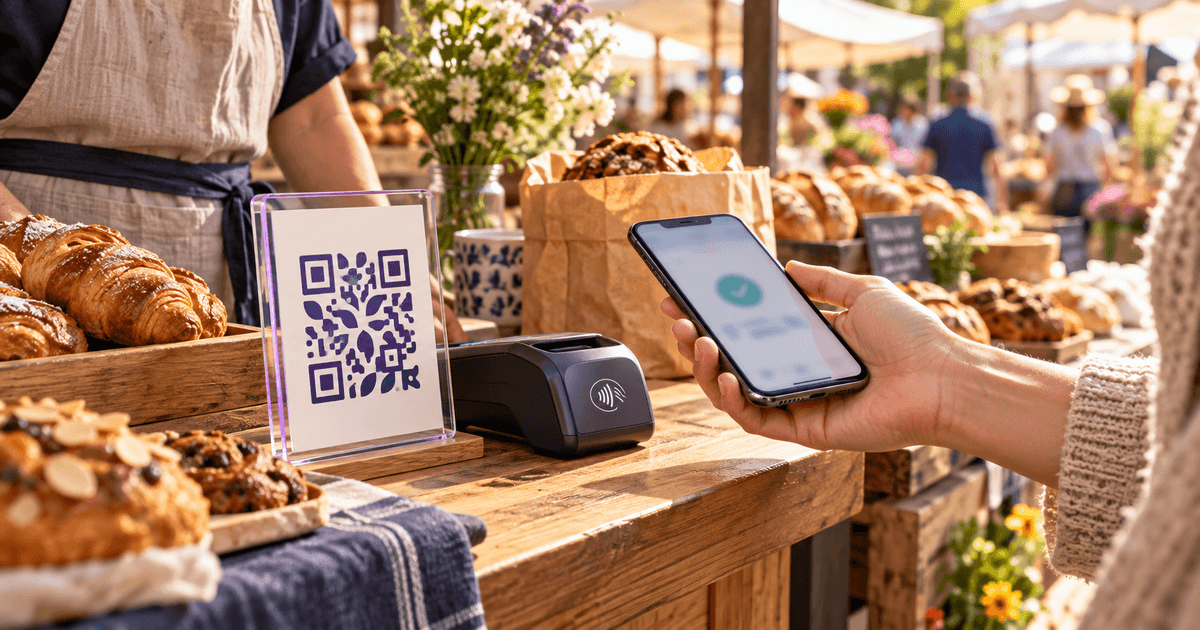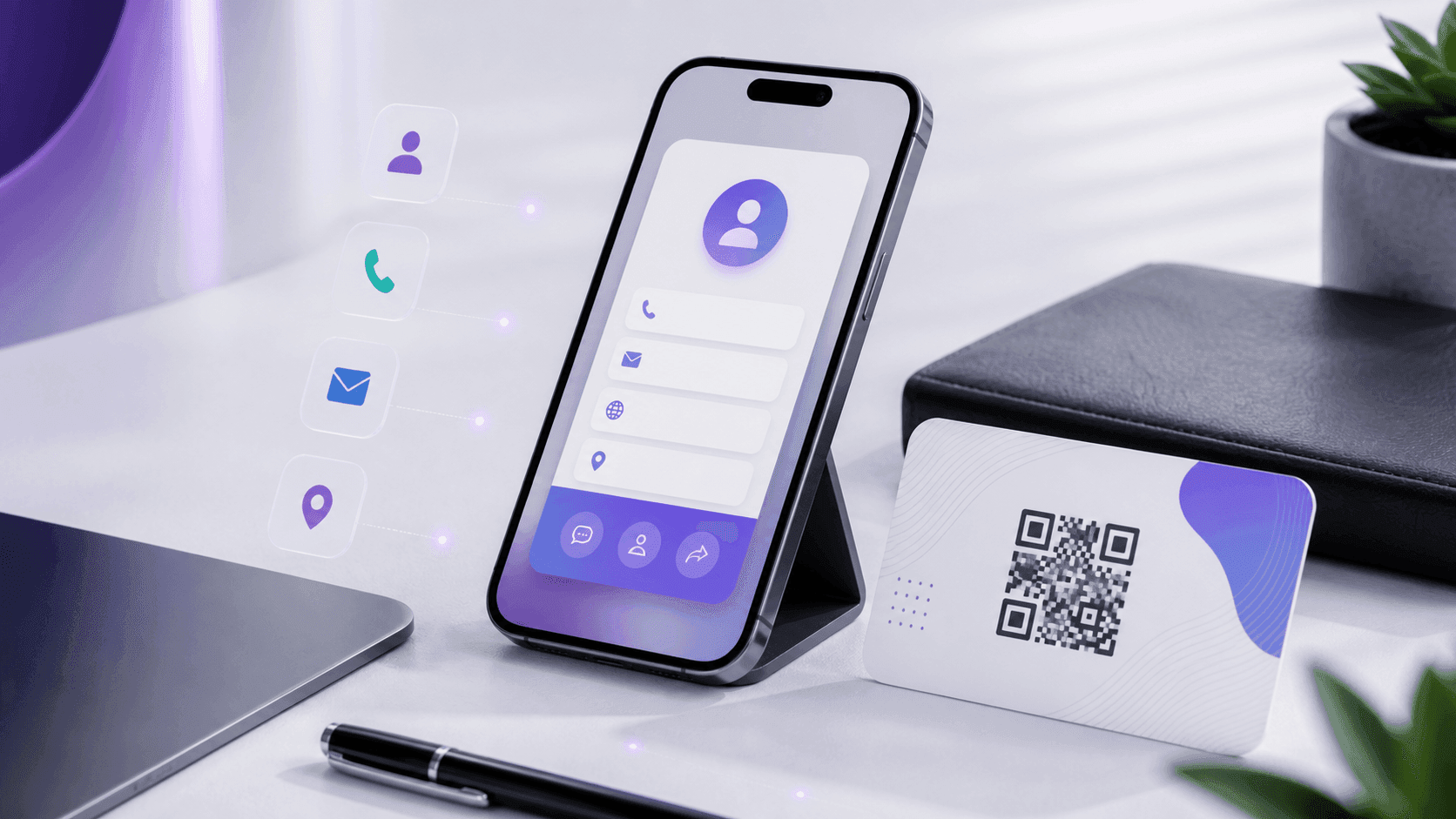
A QR business card turns your contact details into a single square people can scan. Instead of handing over a paper card that ends up in a drawer, they point their phone, tap once, and your name, phone, email and website save straight to their contacts. It works at networking events, on your phone's lock screen, in your email signature, on a booth, or printed on a normal card. If the card's single goal is a social follow, use the Instagram QR code workflow to encode the verified profile URL and size the print correctly.
Here is how to make one for free in a few minutes — and why a dynamic code is worth it.
What it doesWhat a QR business card actually does
When someone scans it, their phone offers to save a contact (a vCard) with everything you chose to include: name, title, company, phone, email, website and address. No typing, no app, no friction. You keep the momentum of a real introduction instead of losing it to a card they will never re-type.
Static vs dynamicStatic vs. dynamic (pick dynamic)
- Static encodes your details directly into the code. If your phone number, job or company changes, the printed code is wrong forever.
- Dynamic points to a short link you control, so you can edit your details later and every printed or shared code updates automatically. It also shows you how many people scanned it.
For a business card — something you print once but keep for a year — dynamic is the right call. People change jobs, numbers and titles; your card should keep up without a reprint. If the card points to a link-in-bio page instead, the Linktree QR code guide shows how to keep that link editable too. If you are weighing the two types for anything else you print, our static vs dynamic guide sets out the whole trade-off, including print size. If you are designing it in Canva, check whether that Canva QR code can expire or be edited after printing before ordering the cards.
Step by stepStep-by-step: make your QR business card
- 01Open the QR Code Generator and choose the vCard / contact type.
- 02Fill in your details — name, title, company, phone, email, website, and address if relevant. Include only what you want strangers to have.
- 03Save it as a dynamic code. It lands in your QR Codes Tracker so you can edit it later.
- 04Brand it — add your logo in the center and set your brand colors. Keep good contrast so it still scans.
- 05Test it on an iPhone and an Android before you use it. Scanning should immediately offer to save your contact.
- 06Put it everywhere: your printed card, email signature, phone lock-screen wallpaper, LinkedIn banner, trade-show booth, or the back of a laptop.
Where to use itWhere to actually use it
- Networking events: flip your phone around and let people scan your lock screen — no cards to carry.
- Printed cards: put the code on the back with "Scan to save my contact."
- Email signature: a small code lets recipients save you in one tap from their phone.
- Booths and posters: a large code people can scan from a few feet away.
BonusBonus: know if it is working
Because it is dynamic, your tracker shows how many scans your card gets over time and roughly when. It will not identify who scanned — it is anonymous — but it tells you whether that code on your booth or signature is actually being used.
FAQFrequently asked questions
Does the other person need an app to scan it? No. Every modern iPhone and Android scans QR codes from the built-in camera and offers to save the contact.
Can I change my phone number or job later without reprinting? Yes — that is the point of a dynamic code. Edit your details in the tracker and every card you have handed out or printed updates automatically.
Is it really free? Yes. The QR Code Generator makes the code at no cost, and you own it. You only pay if you print physical cards at a shop.
What should I include on it? Name, title, company, phone, email and website cover most cases. Skip your home address unless it is relevant to your work.
Next stepMake yours now
Create your free contact code with the QR Code Generator (choose the vCard type), then manage and track it in the QR Codes Tracker. One scan, and you are in their phone for good.