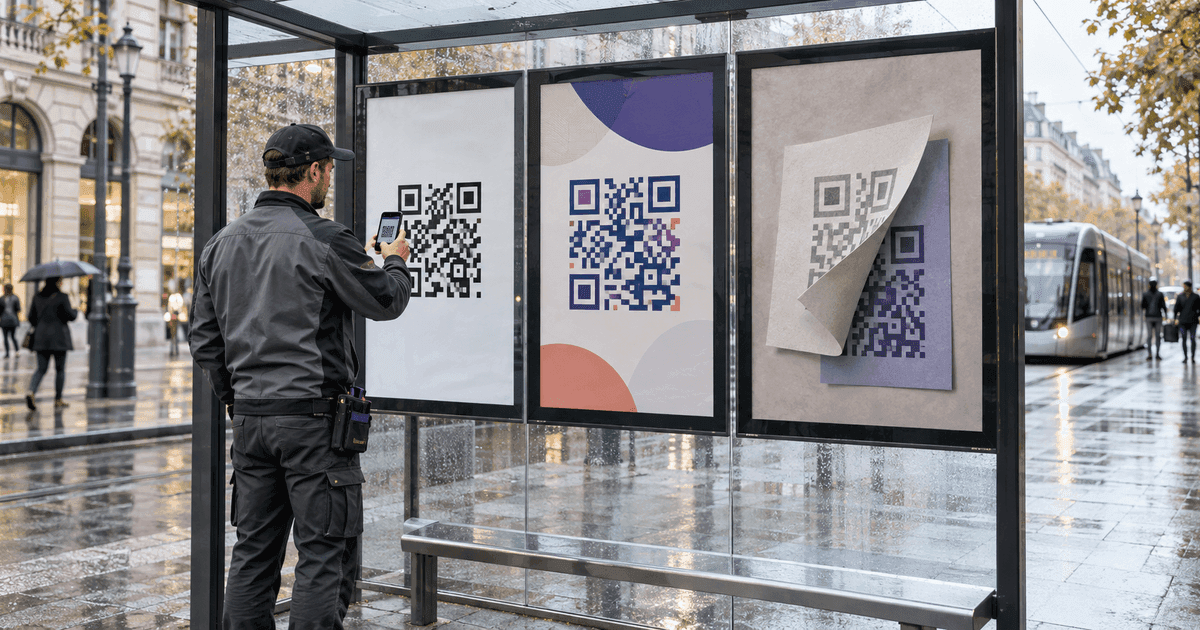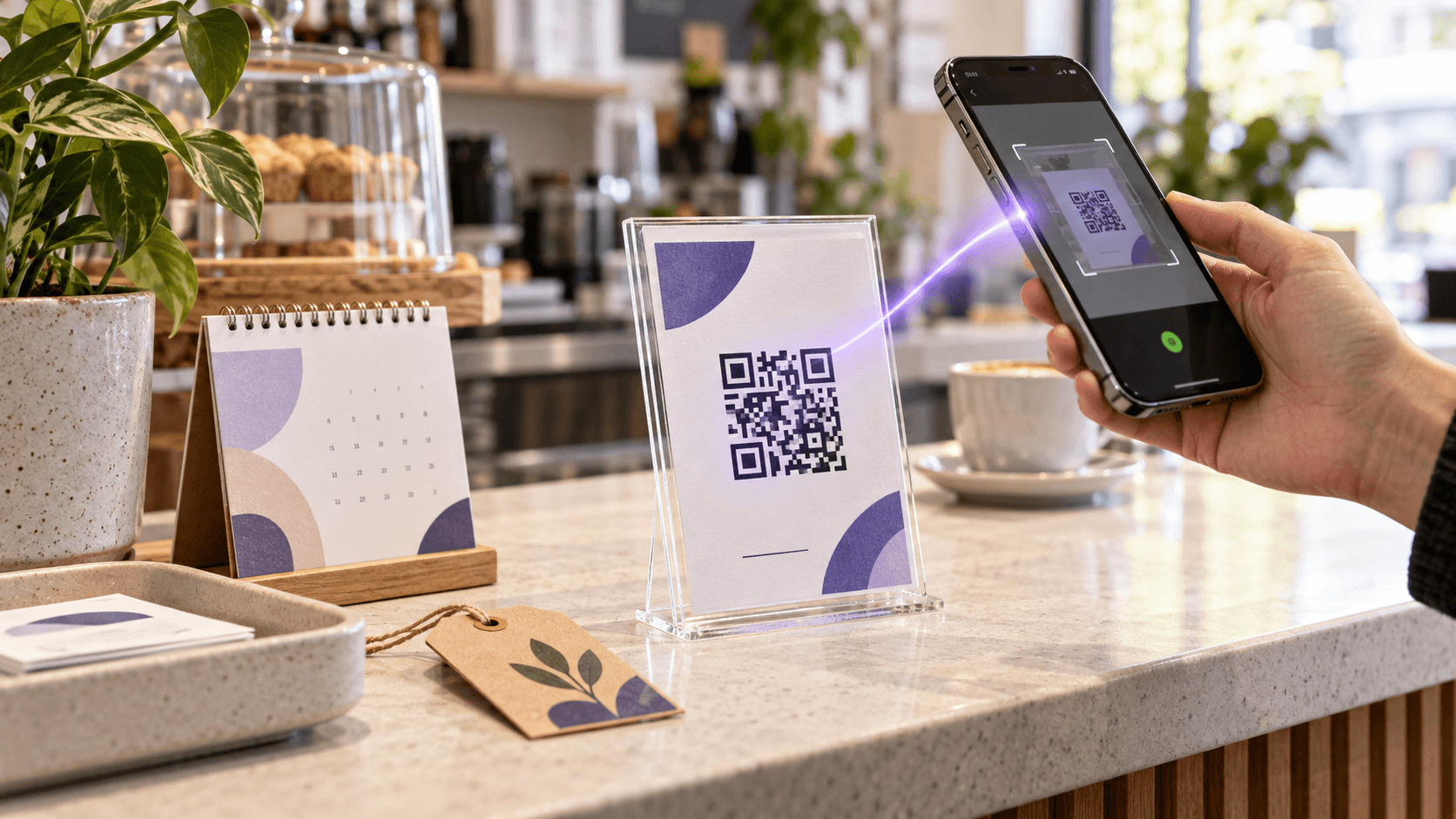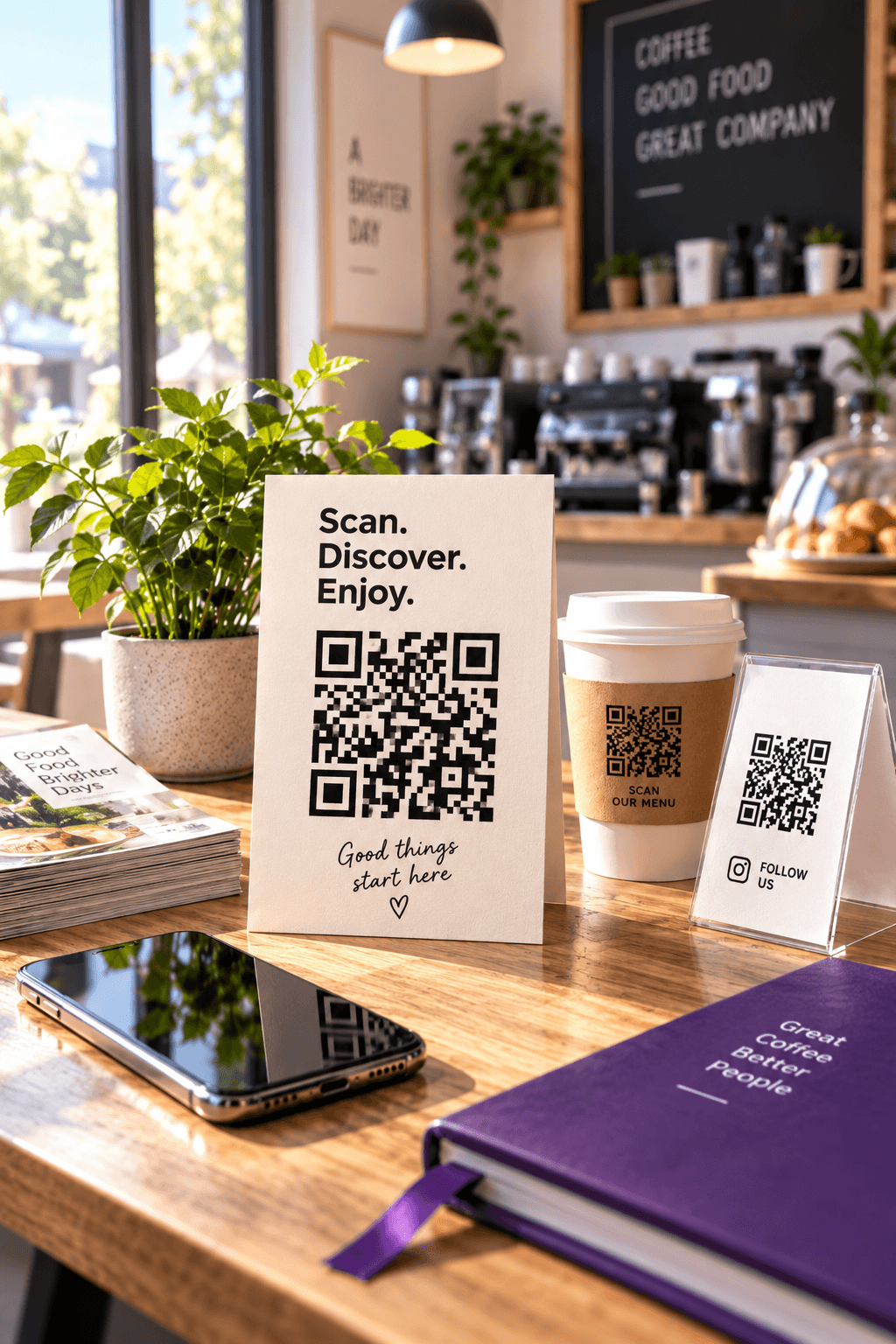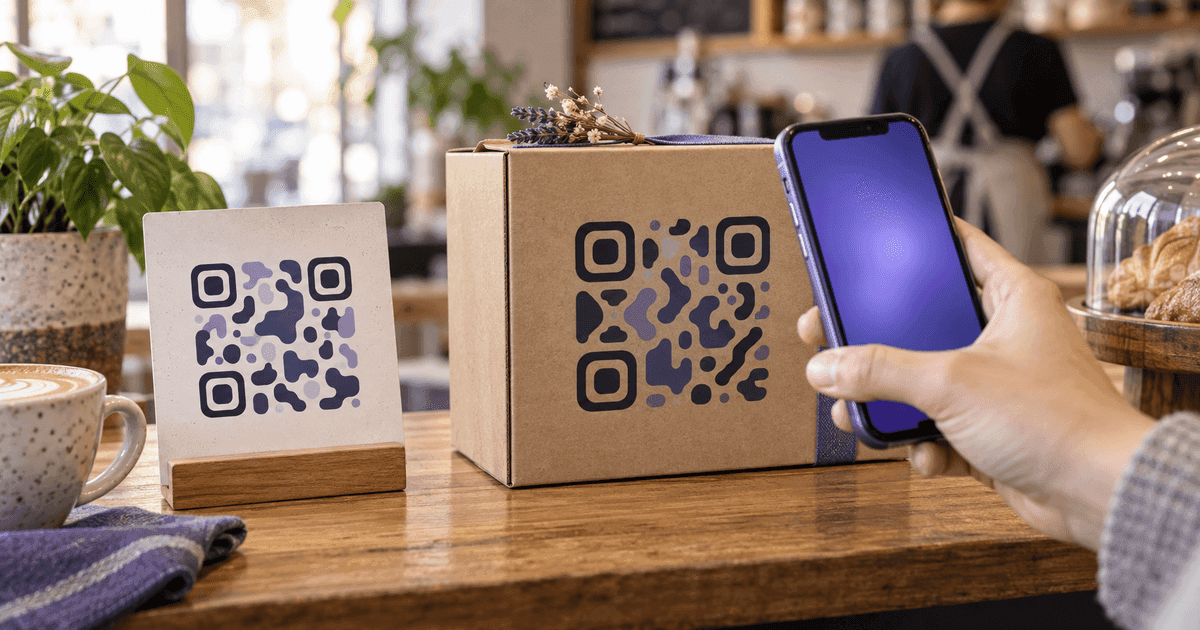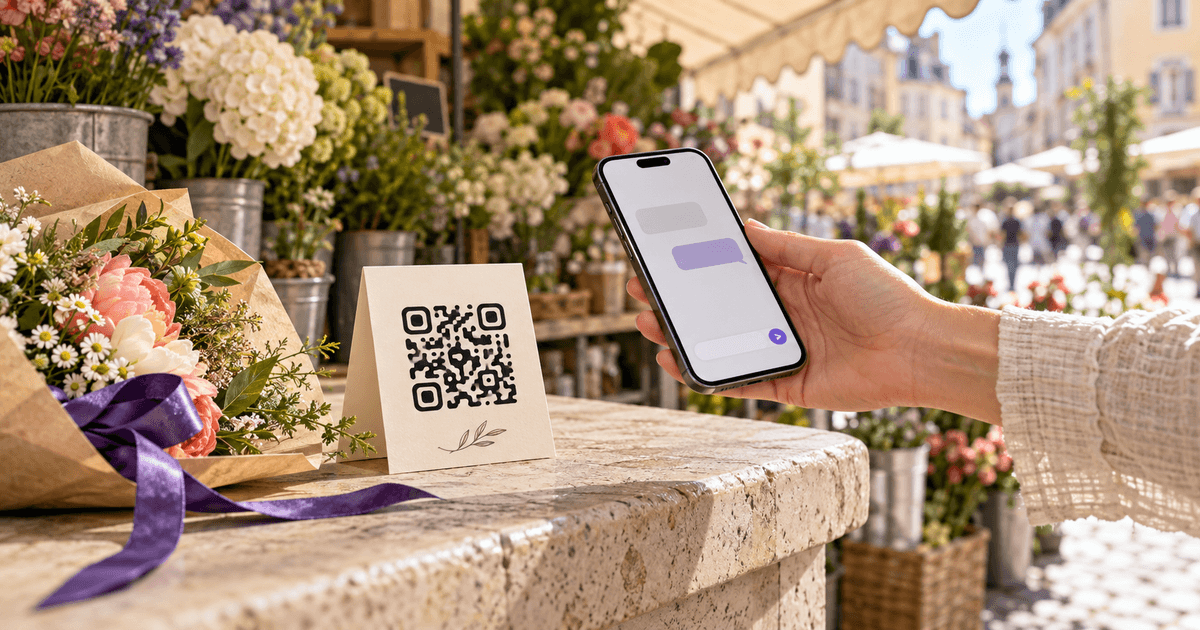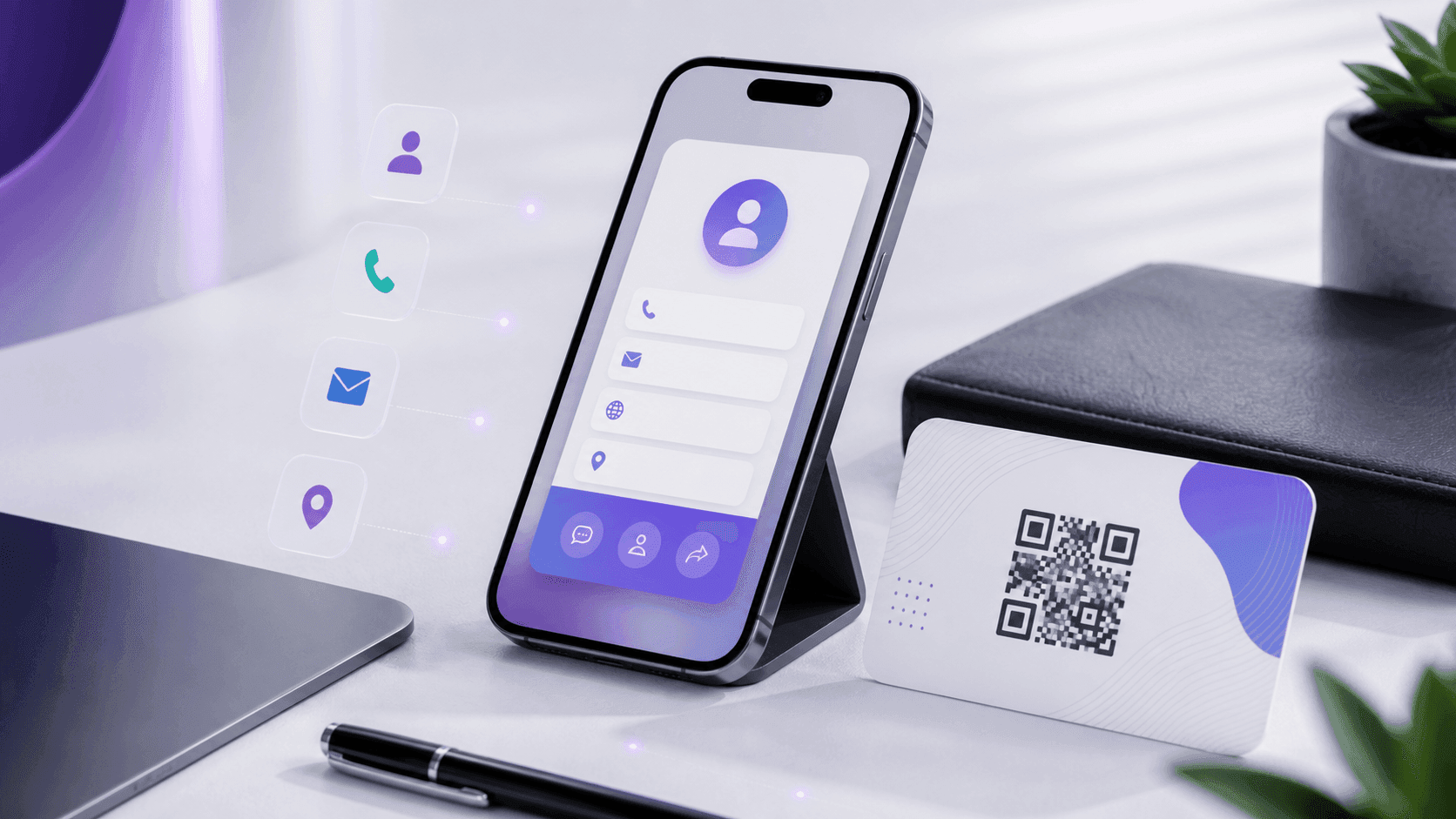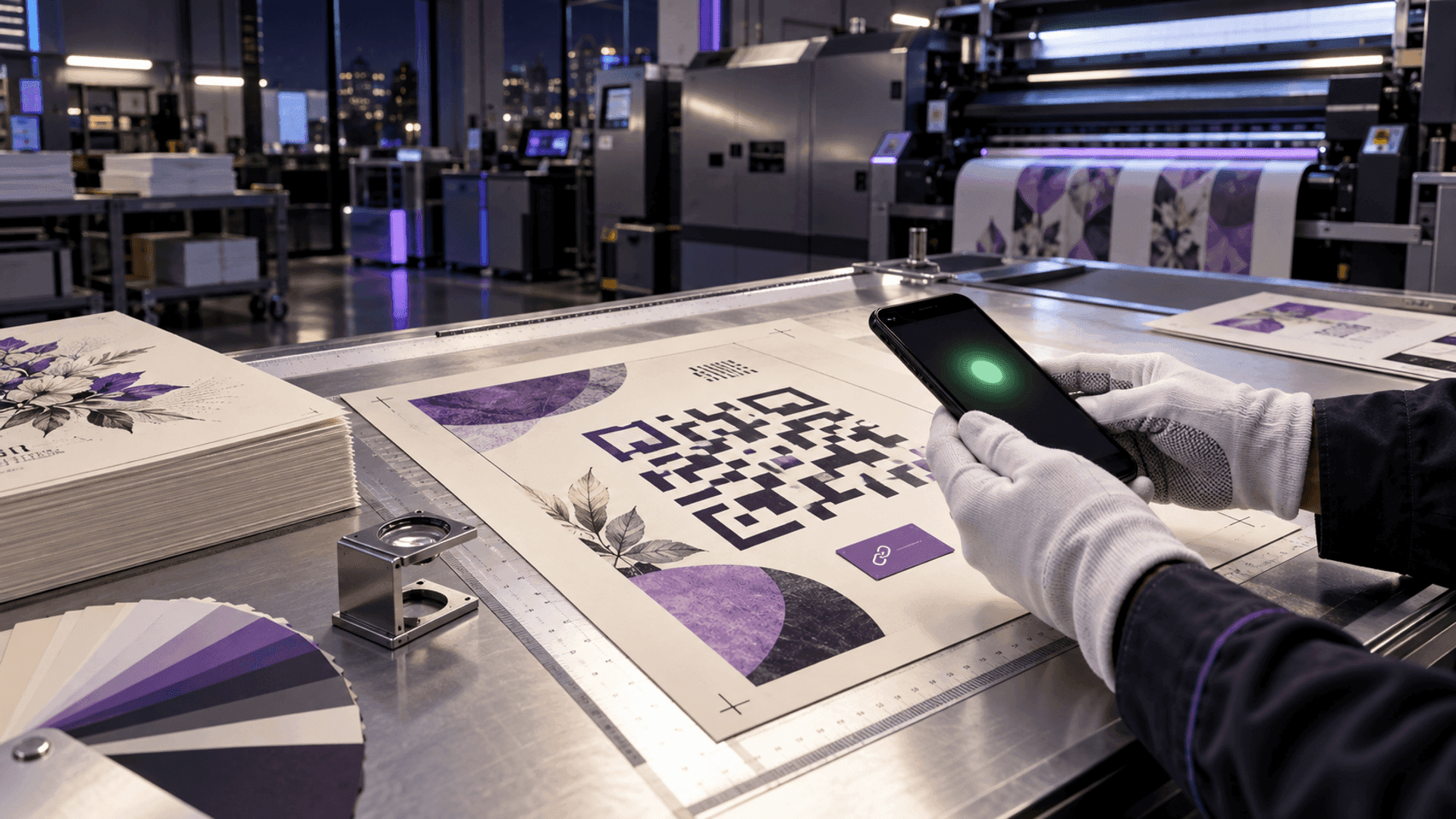
No—a Canva QR code does not expire automatically. Canva says its static and dynamic QR codes remain valid unless the owner deliberately sets an expiration date on an eligible dynamic code.
That answer needs a warning before you send 5,000 flyers to print. A code can remain mathematically readable while the experience behind it fails. A static Canva code permanently contains the destination you entered. A dynamic Canva code contains a Canva-managed redirect whose destination can be changed later. The printed squares may look similar; ownership, editing, analytics and failure modes are not.
This guide explains what happens after printing, how to identify the choice you made and when “free forever” is less important than the cost of a reprint. If you would rather sidestep the question entirely, a static code made this way cannot expire whatever tool you design in. For the choice itself, made before you print anything, see static vs dynamic QR codes: which one should you use.
Short answerThe short answer by Canva QR type
Automatic expiry
- Static Canva QR
- No
- Dynamic Canva QR
- No, unless configured
- Practical consequence
- Neither type needs a routine renewal date by default
Change destination
- Static Canva QR
- No
- Dynamic Canva QR
- Yes
- Practical consequence
- A bad static link requires a new code and reprint
Track scans
- Static Canva QR
- No
- Dynamic Canva QR
- Eligible plans
- Practical consequence
- Use a dynamic code when campaign measurement matters
Convert later
- Static Canva QR
- No
- Dynamic Canva QR
- No conversion either way
- Practical consequence
- Choose the code type before production
Control after print
- Static Canva QR
- Destination site owner
- Dynamic Canva QR
- QR owner + Canva redirect
- Practical consequence
- Document who owns every printed code
| After printing | Static Canva QR | Dynamic Canva QR | Practical consequence |
|---|---|---|---|
| Automatic expiry | No | No, unless configured | Neither type needs a routine renewal date by default |
| Change destination | No | Yes | A bad static link requires a new code and reprint |
| Track scans | No | Eligible plans | Use a dynamic code when campaign measurement matters |
| Convert later | No | No conversion either way | Choose the code type before production |
| Control after print | Destination site owner | QR owner + Canva redirect | Document who owns every printed code |
Source: CalculatorAI · calculatorai.app · Canva Help Center · Create and manage QR codes
The most important row is “convert later.” Canva says a static code cannot become dynamic, and a dynamic code cannot become static. Saving the design does not preserve a future choice. Once the same matrix is on packaging, menus or signs, its architecture is already decided.
DefinitionsWhat “does not expire” actually means
A QR image is encoded data. It has no clock, subscription detector or awareness of the calendar. The Canva vs Adobe Express QR comparison extends that idea to export formats, ownership, payload types and physical print density. If a static Canva QR directly contains https://example.com/menu, the pattern continues to decode that address for as long as the print remains readable.
But successful decoding is only the first link in a chain:
- the printed pattern must remain scannable;
- the phone must decode the embedded address;
- the domain must still exist;
- the page, file or form must remain available;
- any dynamic redirect must still forward correctly;
- the destination must still be safe and useful.
“The QR code does not expire” describes the pattern and Canva's default QR setting. It does not promise that your Google Form, PDF, restaurant menu, event page or domain will exist forever. (For a form specifically, our Google Form QR code guide shows which link to encode so the code outlives the survey.)
Our broader guide to why QR codes stop working separates symbol failure, link rot, provider redirects and damaged print. For Canva specifically, the first question is simpler: did you create Static QR Codes or Dynamic QR Codes?
Static codesStatic Canva QR codes after printing
Canva’s static tool takes the URL you enter and encodes it into the QR pattern. Canva’s Help Center says the destination is fixed and cannot be edited after creation. Static codes do not include a Canva logo and offer the same core behavior across plans.
Static is a good choice when:
- the destination is a durable URL on a domain you control;
- you do not need scan analytics;
- you want the printed code to avoid a QR provider’s redirect;
- the code points to permanent contact, Wi-Fi or reference information;
- replacing the destination page is easier than replacing the URL.
The last point is subtle. You can keep a static code useful by maintaining the URL it already contains. If /menu-2026.pdf is printed directly and you later delete that file, the code cannot be edited. If /menu is printed and your server always serves the current menu there, the QR pattern can remain unchanged for years.
A static code is therefore not necessarily inflexible. The encoded address is fixed; the content your own durable address serves can still change.
Dynamic codesDynamic Canva QR codes after printing
A dynamic code inserts a managed redirect between the printed matrix and the destination. Canva says the creator can edit the destination later without changing the visual code or reprinting the design. The same dynamic QR can also appear in multiple Canva designs; changing its destination updates where that code sends scanners.
Dynamic is a good choice when:
- a campaign destination may change after production;
- reprinting would be expensive or slow;
- you need scan totals, unique scans, locations or device data on an eligible plan;
- a temporary event should redirect to a recap or waitlist afterward;
- a team has a clear owner and maintenance process.
Dynamic does add dependencies. Scans rely on Canva's redirect infrastructure and on continued access to the account that owns the code. Canva’s current documentation says only the creator can edit a code by default, even when another person can edit the design. Eligible team owners can allow collaborators to edit, but ownership itself is not transferred.
That creates an operational risk that has nothing to do with expiration: an agency employee can print thousands of codes and later leave the company while remaining the only default owner. Before printing, record the account, code name, final destination, responsible person and fallback plan in a QR Codes Tracker.
Expiry settingsCan a Canva dynamic QR code be set to expire?
Yes. Canva currently says Business, Enterprise and Nonprofit users can set an expiration date and time on a dynamic QR code. They can also enter a post-expiration URL.
When that date passes:
- the code stops sending scanners to the original destination;
- scanners go to the fallback URL if one was configured;
- otherwise Canva shows its generic QR-code error page;
- the owner can later update or remove the expiration setting.
This is intentional expiration, not a surprise timeout attached to every code. It can be useful for tickets, limited promotions, application windows and private resources. A good fallback page should explain what ended and point to the next useful action. An error screen wastes a scan you already paid to earn.
Two separate questionsThe Canva logo and analytics are separate questions
Do not infer code type only from appearance. Canva’s current documentation says static codes do not include the Canva logo. Dynamic QR codes on Free, Pro and Education include the Canva logo by default, while Business, Enterprise and Nonprofit can remove it or upload a custom logo.
Insights are also tied to dynamic codes and eligible plans. Canva lists total scans, unique scans, locations and device types. Free and Pro users may see an upgrade prompt for Insights on new codes.
These product rules can change. The reliable audit is inside the design: select the QR code and check whether Canva identifies it as static or dynamic, shows an editable destination, exposes Insights or offers expiration controls. Do that before relying on an old tutorial or screenshot.
After printingWhat happens if the destination changes after printing?
For a dynamic Canva QR, select the code, choose Edit, update the destination URL and save. Canva says the visual design does not need to be reprinted when only the destination changes.
For a static Canva QR, changing the element in the Canva file creates a different QR pattern. Existing printed copies still contain the old URL. You must either:
- restore or redirect the old URL on the destination server; or
- generate a new code and replace the printed material.
This is why domain control matters. A static code pointing to your own short, stable landing page can be maintainable without a third-party dynamic service. A static code pointing directly to a disposable file-sharing URL can become expensive after one folder move.
The real decisionThe reprint cost is the real decision
The price of generating a QR image is rarely the important number. The useful comparison is the cost of correcting the choice after distribution.
Business cards
- Quantity
- 500
- Assumed unit cost
- $0.08
- Replacement print
- $40
Laminated menus
- Quantity
- 50
- Assumed unit cost
- $4.50
- Replacement print
- $225
Event flyers
- Quantity
- 5,000
- Assumed unit cost
- $0.12
- Replacement print
- $600
Outdoor signs
- Quantity
- 20
- Assumed unit cost
- $35
- Replacement print
- $700
| Printed item | Quantity | Assumed unit cost | Replacement print |
|---|---|---|---|
| Business cards | 500 | $0.08 | $40 |
| Laminated menus | 50 | $4.50 | $225 |
| Event flyers | 5,000 | $0.12 | $600 |
| Outdoor signs | 20 | $35 | $700 |
Source: CalculatorAI · calculatorai.app · CalculatorAI scenario arithmetic · not Canva or market pricing
The arithmetic is deliberately simple. Five thousand flyers at an assumed $0.12 each equal $600 before redesign, rush fees, shipping, removal or redistribution. If the destination has even a modest chance of changing, an editable redirect can be valuable. If the URL is permanent and controlled by you, a static code avoids a service dependency.
This is not an argument that dynamic is always better. It is a framework: choose based on the cost of changing the destination and the cost of depending on the redirect provider.
Before you printA print-proof checklist for Canva QR codes
Before approving a Canva design:
- 01Identify the code type. Do not write “Canva QR” in the project notes; write static or dynamic.
- 02Scan the exported proof. Test the PNG or PDF that will actually be printed, not only the editor preview.
- 03Inspect the URL preview. Confirm the destination or redirect domain before opening it.
- 04Test more than one phone. Use different cameras, distances and lighting.
- 05Keep the code large enough. Canva recommends at least 2 × 2 cm, or 0.79 × 0.79 inches.
- 06Protect the quiet zone. Canva recommends blank space around the code at least four modules wide.
- 07Use strong contrast. Avoid transparency and low-contrast brand colors.
- 08Record ownership. For a dynamic code, document the creator account and who can edit it.
- 09Set a fallback for intentional expiry. Do not send valuable scans to a generic error page.
- 10Retest after delivery. Scan one physical item from the production batch before distributing the rest.
For business cards, the destination and ownership decisions are expanded in our QR-code business card guide. Restaurants should also plan for glare, cleaning and frequent menu changes; see the restaurant QR menu checklist.
RecommendationWhich option should you choose?
Choose static Canva QR when the URL is durable, preferably on a domain you control, and you do not need Canva analytics. It is the simpler, provider-independent path after the scan decodes the URL.
Choose dynamic Canva QR when the destination may change, the print run is costly, scan measurement matters or you need a planned expiration. Treat account ownership and redirect continuity as production infrastructure.
If you want the design workflow separate from the redirect workflow, use the QR Code Generator to create the code and keep editable destinations and scans organized in the tracker. Whichever tool you choose, test the exact final file before printing.
FAQFrequently asked questions
Do Canva QR codes expire?
Not automatically. Canva says static and dynamic codes remain valid unless the owner sets an expiration date on an eligible dynamic QR code.
Are Canva QR codes free forever?
Canva currently offers QR creation, but features differ by code type and plan. A static code can continue decoding its fixed URL without scan analytics. Dynamic editing, branding, analytics and expiry controls have different plan conditions. Recheck Canva’s current product page before a major print run.
Can I change a Canva QR code after printing?
You can change the destination of a dynamic Canva QR without reprinting. A static code’s embedded URL cannot be changed; you must preserve or redirect that URL, or print a new code.
Can I turn a static Canva QR into a dynamic one?
No. Canva states that conversion is unavailable in either direction. Create the correct type before printing.
What happens when a Canva QR code expires?
An intentionally expired dynamic code redirects to the fallback URL configured by its owner. Without a fallback, Canva says scanners reach a generic QR-code error page.
Can someone with design access edit my dynamic QR destination?
Not by default. Canva says only the creator can edit the QR settings unless eligible collaborator editing has been enabled. Ownership itself is not transferred.
Why did my Canva QR code stop working if it did not expire?
The destination may have moved, the domain may be unavailable, the print may be damaged or low contrast, an intentional expiry may have passed, or a dynamic redirect/account issue may exist. Decode the URL and test each dependency separately.
MethodologySources and methodology
Canva behavior was checked September 14, 2026 against the official Create and manage QR codes documentation and Canva QR Code Generator. Those sources distinguish static and dynamic tools, editing, ownership, plan-gated analytics, optional expiration, post-expiration redirects and print guidance.
The replacement-cost table contains transparent scenarios, not Canva prices or claimed printing-industry averages. Each total is quantity × assumed unit replacement cost and is reproduced in a local calculation script. Real quotes can include setup, finishing, shipping, labor and rush charges.
CalculatorAI is not affiliated with or endorsed by Canva. Product features and plan availability can change; verify the controls shown in your own Canva account before committing to a print run.