Search "free QR code generator", make a code, print five hundred flyers, and a month later the code opens a page that says the trial has ended. That story is common enough to have its own search term — free QR code that does not expire — and the frustrating part is that the fix is not a better generator. It is understanding which kind of code you made, because one kind cannot expire at all and the other kind expires exactly when whoever runs it stops.
This guide shows how to make a QR code that keeps working for as long as the paper does: what to encode, which settings matter for print, how to check the result before you order, and — for the cases where you genuinely need to edit the destination later — how to get that without signing up for a fee that outlives the flyer. The module counts and print sizes come from the same encoder the CalculatorAI QR Code Generator uses, so they are the sizes you will actually get.
Short version: a static QR code cannot expire, because there is nothing behind it to expire. Make it static, make it big enough, keep the original file, and it will scan in ten years. Want to change where it points after printing? Then you need a dynamic code — and the question to ask before printing is not "is it free" but "does the redirect keep working when I am not paying".
Why "free" codes expireIt is never the picture
A QR code is a picture of text. Point a phone at it and the camera reads the text back — a web address, a Wi-Fi password, a contact card. A direct WhatsApp QR code follows the same rule: it can store the final wa.me chat link instead of a provider's expiring redirect. The picture does not phone home, does not know the date, and cannot be switched off. Nothing printed on paper expires.
What expires is a service. Many generators do not encode your web address at all; they encode a short address of their own — qrz.io/a1b2c3 or similar — and their server forwards each scan to your page. That forwarding is the product they sell. When the free trial ends, the forwarding stops, and every scan of the printed code lands on their "upgrade to continue" page. The code did not expire; the redirect did. The opposite trap is printing a link-in-bio address directly: it never expires, but it ties the paper to that platform — see our Linktree QR code guide. Our guide to expiring QR codes catalogues the ways this happens, and the static vs dynamic explainer covers the mechanics.
Cannot expire
The squares contain your final data — the URL itself, the Wi-Fi password, the contact. No server is involved when someone scans it. It works offline, it works if the generator's website disappears, and it works for as long as the print is legible.
Expires when the redirect does
The squares contain a forwarding address on a provider's domain. Scans work while that provider keeps forwarding — on a free plan, that means until the trial, the account or the company ends. Editable and trackable, but a dependency.
So the recipe for a code that never expires has one ingredient: make it static, with your real destination encoded. Everything below is about doing that well.
Step by stepA static QR code that outlives the print run
Choose the content type, not just a link
A URL is the common case, but Wi-Fi, a contact card (vCard), a calendar event, a phone number, an SMS or plain text can all be encoded directly — and those work with no internet connection at all. Pick the type that matches what the scan should do.
Use the final, permanent address
Encode the page that will still exist in five years: your domain, not a campaign landing page you will retire; a short clean URL, not one with tracking parameters (see the size table below). If you need UTM tags, keep them short — every character costs print size.
Set error correction to M for clean prints, H for anything that gets handled
Error correction lets a scanner recover a partly damaged code. Level M tolerates about 15% damage and is the usual choice; level H tolerates about 30% at the cost of a denser code — worth it for stickers, packaging and anything that will be scuffed.
Export SVG for print, PNG for screens
SVG scales to any size without blurring and is what a print shop wants. A PNG at a high pixel size is fine for a slide or a website. Our QR generator print comparison also explains Adobe's PNG/JPEG/PDF exports and why dense tracked URLs need more physical space. Never screenshot a code — the compression rounds the corners of the modules.
Print it large enough
Rule of thumb: each module (small square) should be at least 0.4 mm, and people should scan from no further than about 10× the code's width. The table below turns that into minimum sizes for common contents.
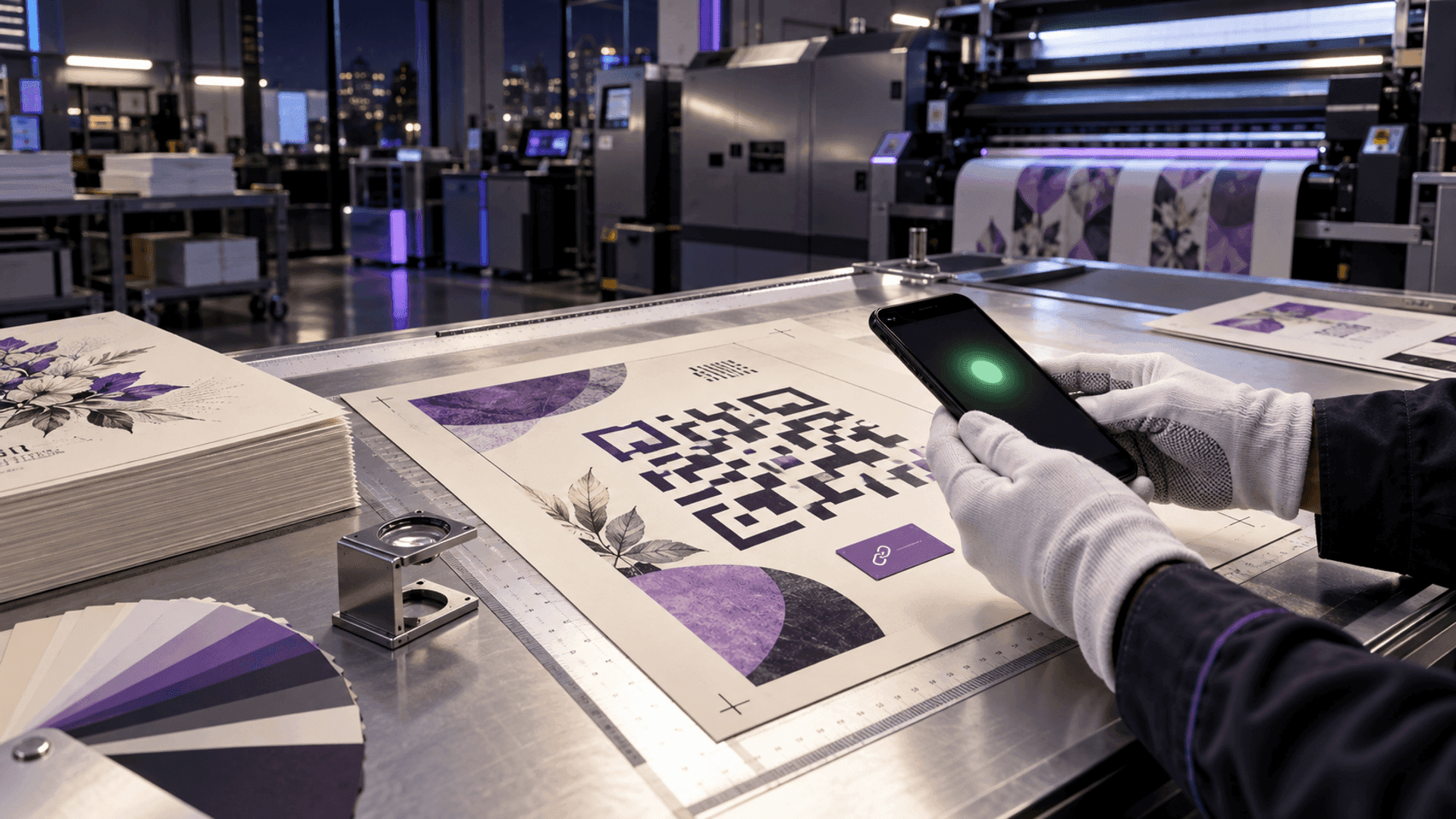
Test the printed proof with two phones
Scan the actual print — not the screen — with an iPhone and an Android, at the distance people will really stand. Then keep the exported file with the destination written next to it, so a reprint years later is a two-minute job.
The CalculatorAI generator does all of this without an account: static codes for every content type, error-correction and size settings, colours and a centre logo, PNG and SVG export, no watermark, and nothing behind the code that could ever stop working. The generator handbook explains each setting; the scannability rules show which customisations are safe.
How big to printSize follows what you encode
The one thing "free" generators rarely tell you: the more characters you encode, the more squares the code needs, and the bigger it has to be printed. A long URL with tracking parameters can need twice the modules of a clean homepage link — and at the same printed size, each module is half as large and harder for a camera to read.
Homepage URL
- Characters
- 24
- Version · modules
- 2 · 25×25
- Minimum print width
- 13.2 mm
Product page URL
- Characters
- 54
- Version · modules
- 4 · 33×33
- Minimum print width
- 16.4 mm
URL with three UTM parameters
- Characters
- 107
- Version · modules
- 7 · 45×45
- Minimum print width
- 21.2 mm
Wi-Fi network + password
- Characters
- 45
- Version · modules
- 4 · 33×33
- Minimum print width
- 16.4 mm
Contact card, 6 fields (vCard)
- Characters
- 140
- Version · modules
- 8 · 49×49
- Minimum print width
- 22.8 mm
Dynamic redirect, for comparison
- Characters
- 34
- Version · modules
- 3 · 29×29
- Minimum print width
- 14.8 mm
| Content | Characters | Version · modules | Minimum print width |
|---|---|---|---|
| Homepage URL | 24 | 2 · 25×25 | 13.2 mm |
| Product page URL | 54 | 4 · 33×33 | 16.4 mm |
| URL with three UTM parameters | 107 | 7 · 45×45 | 21.2 mm |
| Wi-Fi network + password | 45 | 4 · 33×33 | 16.4 mm |
| Contact card, 6 fields (vCard) | 140 | 8 · 49×49 | 22.8 mm |
| Dynamic redirect, for comparison | 34 | 3 · 29×29 | 14.8 mm |
Source: CalculatorAI · calculatorai.app · drafts/free-qr-code-that-does-not-expire-numbers.mjs — qrcode encoder, September 2026
Those are minimums at close range. For a poster read from a metre away, multiply by the distance: the 10× rule says a code scanned from 1 m should be about 10 cm wide. For a business card or a table tent, 20–25 mm covers every row in the table with margin. The Wi-Fi row is worked through in detail — real passwords, with and without a logo — in our Wi-Fi QR code guide.
When you really need to edit it laterDynamic without the trap
Some things should be editable after printing: a restaurant menu, a business card that will outlast a job title, packaging that points at a page you will redesign, a poster for an event that moves. A feedback form you replace every season is another — see our Google Form QR code guide. That is what dynamic codes are for — and the way to have one without the expiry trap is to check three things before the print run:
Does the redirect keep working on the free tier?
Not 'during the trial' — permanently. If the answer is a number of days, the code will expire on that day.
What happens when a paid plan lapses?
The honest answer is 'the codes keep redirecting; you lose the editing and analytics'. If it is 'the codes stop', every print becomes a hostage.
Can you export the destination list?
If the provider disappears, you need to know what every printed code was supposed to open, so you can reprint with static codes.
Can the code use your own domain?
A branded short domain means the printed address is yours; switching providers becomes a DNS change instead of a reprint.
On CalculatorAI, static codes are free and need no account; a free account includes one active dynamic code with an editable destination and scan analytics, and Pro (billed monthly or yearly) removes the limit and adds folders, campaign parameters and branded domains. The redirect behind a dynamic code is not a trial feature — it is the product, and it is not switched off to sell an upgrade.
The lifetime cost is the other half of the decision. A print run lasts years; a monthly fee for the redirect behind it compounds quietly.
What a paid redirect costs over the life of a print
Hypothetical monthly fees chosen to bracket common dynamic-QR plans, multiplied by how long the printed material stays in use. Compare with a static code: zero, forever.
The one-minute expiry testCheck any code before you print
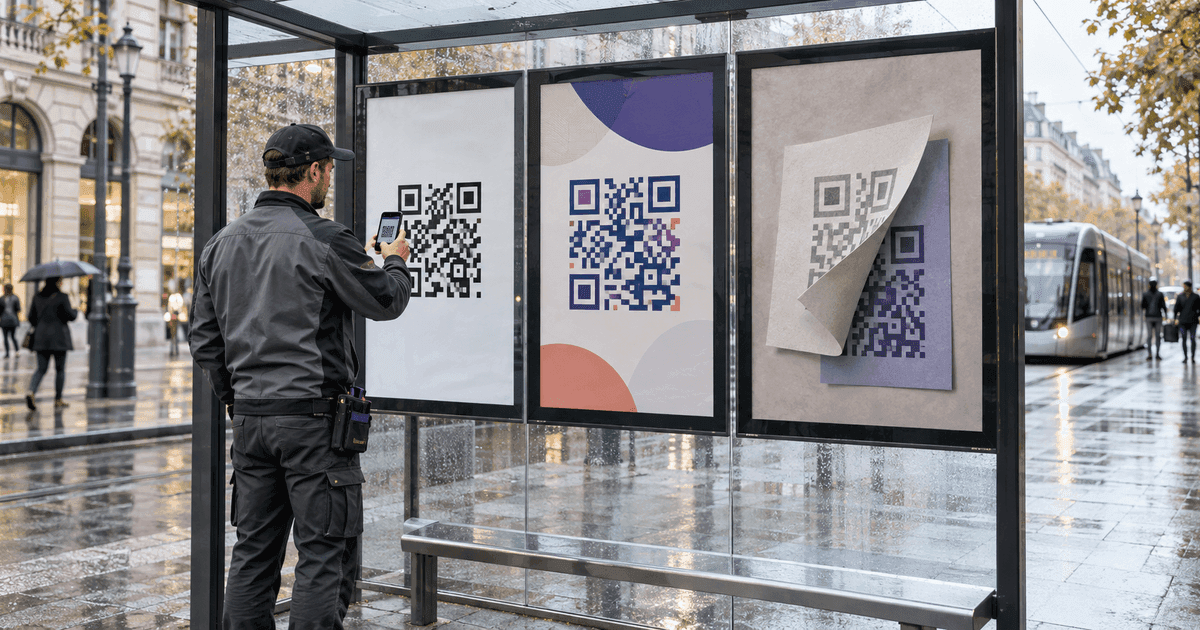
You cannot tell a static code from a dynamic one by looking. You can tell in a minute:
- 01Scan it and read the address the phone shows before tapping it. If it is your own destination —
example.com/menu— the code is static and cannot expire. If it is a short address on somebody else's domain, it is a redirect. - 02If it is a redirect, find out who owns that domain and what their free plan says about codes after the trial. If the words "expire", "trial" or "upgrade to reactivate" appear anywhere, print a static code instead, or use a provider whose redirects are permanent.
- 03Scan the printed proof, not the screen, and keep the exported file.
Do that once and the "my QR code stopped working" story cannot happen to you — the only way a static code fails is the paper wearing out, and the scannability guide covers how to make it wear well.
Frequently asked questions
Do free QR codes really expire? The image never expires. What expires is the redirect some free generators put inside the code instead of your address — when their trial or plan ends, scans stop being forwarded. A static code, which encodes your destination directly, cannot expire at all.
How do I know if my QR code is static or dynamic? Scan it and look at the address the phone shows before opening it. Your own domain or a Wi-Fi/contact/text payload means static. A short address on a generator's domain means dynamic — a redirect that depends on that provider.
How long does a static QR code last? As long as the print is legible and the destination exists. The code itself has no lifespan; it is a picture of your data. Print it with 0.4 mm modules or larger, error correction M or H, and keep the SVG so you can reprint identically.
Can I make a QR code that never expires for free? Yes. Any generator that encodes your real URL (or Wi-Fi, contact, event) directly produces a code that cannot expire. The CalculatorAI QR Code Generator does this free, without an account or a watermark, and exports PNG and SVG.
Can a dynamic QR code be made permanent? Only by the provider's policy: the redirect must keep working on the free tier and after a paid plan lapses. Alternatively, encode a short path on your own domain and manage the redirect yourself — it stays yours for as long as you keep the domain.
What size should I print a QR code? At least 0.4 mm per module plus a quiet zone, which works out to roughly 13 mm for a short URL, 16–21 mm for longer URLs and Wi-Fi codes, and about 23 mm for a full contact card at close range. For posters, make the code about a tenth of the intended scanning distance wide.
Sources and methodology
- Module counts, QR versions and minimum print widths were produced with the
qrcodeJavaScript encoder — the same library the CalculatorAI QR Code Generator uses — at error correction levels M and H with a 4-module quiet zone per side, indrafts/free-qr-code-that-does-not-expire-numbers.mjs. Change the payloads and rerun for your own content. - The 0.4 mm minimum module and the "scan from no further than 10× the width" rule are common field guidelines for phone cameras, not requirements of the QR standard (ISO/IEC 18004, published capacities and versions at Denso Wave's qrcode.com). Error-correction levels M (about 15% recoverable) and H (about 30%) are as defined by the standard.
- CalculatorAI plan facts (static codes free without an account; one active dynamic code on the free plan; Pro removes the limit) are from the product's own handbook and pricing as of September 2026.
- The lifetime-cost figures are arithmetic on hypothetical monthly fees ($5 and $15) chosen to bracket common paid dynamic-QR plans; no specific provider's price, trial length or policy is asserted.