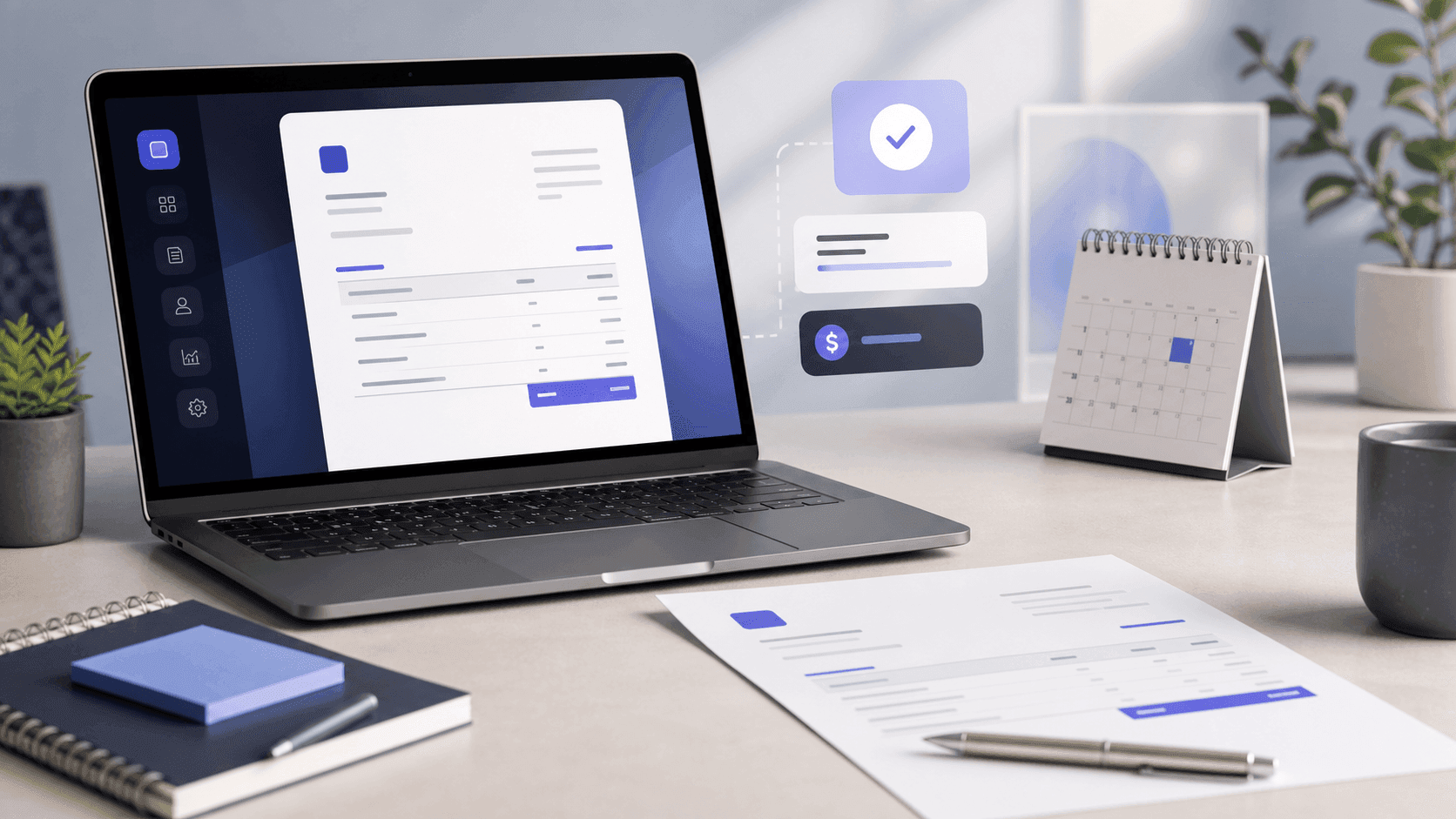
An invoice is a formal request for payment for work already delivered. Its job is not to look professional; its job is to survive somebody else's accounts department without a single question coming back. Most late payments are not malice — they are an invoice missing a purchase order number, or addressed to a company name that does not exist in the payer's ledger.
Here is what has to be on it, how to word the parts that decide when you get paid, and an honest look at where to actually make one.
Seven blocksThe seven blocks every invoice needs
- 01Issuer block ("From"). Your business or personal name, address, and tax identifier if you have one (EIN, VAT, GST, UTR, depending on where you are). The address places your business in a tax regime; the identifier says you are registered to charge tax in it.
- 02Customer block ("Bill To"). The client's legal entity name, not the nickname you use in email. An invoice addressed to "Dave's team" will not book cleanly to anyone's ledger.
- 03A unique invoice number. Sequential and without gaps — INV-2026-001 is fine. The continuity matters: tax authorities read number gaps as possibly hidden revenue, and duplicate numbers across clients look worse.
- 04Issue date. Starts the payment clock and fixes which tax period the sale lands in.
- 05Due date. An absolute date, ideally, not just a term. "Net 30" makes the payer do arithmetic; "Due 16 September 2026" does not.
- 06Line items. One row per deliverable, with description, quantity, unit price and line total. "Consulting services — $4,800" is the single most common cause of a stalled invoice, because there is nothing in it for the payer to verify.
- 07Totals. Subtotal, tax on its own line, discount or shipping if any, grand total, and balance due — the last one matters when a deposit has already been paid.
Add two more whenever they apply: payment details (bank account, or how to pay you) on the face of the document, and the client's PO number if they issued one. A missing PO number is the most boring reason to wait an extra month for money.
Payment termsPayment terms, and what each one actually promises
- Due on receipt — payment expected immediately. Aggressive; usually for new clients or small jobs.
- Net 7 / Net 15 / Net 30 — due that many calendar days after the invoice date. Net 30 is the global B2B default.
- Net 60 / Net 90 — common with enterprise buyers. If you are a one-person business accepting Net 90, understand that you are financing three months of your own work.
- 2/10 net 30 — 2% off if paid within 10 days, otherwise the full amount by day 30. You are buying predictable timing with margin. For the client, skipping that 2% works out to about 37% a year — Net 30 payment terms explained shows when the discount is worth offering.
If you charge late fees, state the rate on the invoice itself, and check what your local rules allow. A fee that first appears in an angry email is not enforceable in practice.
TaxTax: the one part not to improvise
Whether you must charge sales tax, VAT or GST depends on your registration status and where the customer is — not on what your invoicing tool defaults to. Two rules that hold nearly everywhere: put your tax identifier on the face of the invoice, and show tax as its own line rather than folded into the totals. If you are not registered, do not add a tax line at all, and do not label anything "VAT".
Where to make oneWhere to actually make one
Three routes, in rough order of how much business you are doing.
1. A document template (Word, Google Docs, Canva). Free and pretty. The totals are typed by hand, which is where the mistakes come from, and there is no record of what you sent or whether it was paid. Fine if you invoice once or twice a year.
2. A free web generator. If the alternative is a hosted PayPal checkout, compare the current PayPal invoice fees by payment method before deciding which workflow is actually cheaper. Fastest path for a one-off: fill in the fields, download a PDF. No bookkeeping, no history, no client list.
3. Invoicing or accounting software. Necessary once you have retainers, recurring billing, expenses to reconcile, or an accountant who needs your books rather than your PDFs.
Some well-known options, as they stand in August 2026 — plans change constantly, so check the current pricing page before trusting any of this:
- invoice-generator.com — no signup, one-off PDF, minimal customisation. It is the front door to a larger paid billing platform.
- Invoice Simple — mobile-first, pleasant on a phone. The free tier is capped at a few invoices per month, then it is a subscription.
- Wave — free invoicing bundled with real bookkeeping. Card and bank payments carry per-transaction fees, and some features sit on a paid tier.
- Zoho Invoice — genuinely free for solo businesses, and unusually complete. It expects you to live in the Zoho suite, and setup takes an afternoon.
- FreshBooks / QuickBooks — paid accounting suites where invoicing is one module. Correct choice if you need books, overkill if you send three invoices a month.
Our approachWhere we are trying to be the best
We are not building an accounting suite. We are trying to be the best place to make the document — and to be clear about where that ends.
What the Invoice Generator does:
- No account needed, and no watermark on anything — ever. That is a published promise, not a free-tier tactic.
- Unlimited PDF downloads. The PDF is built in your browser, so it costs us nothing and there is nothing to ration. We used to cap it, and removing the cap was the right call.
- 150+ currencies with locale-aware formatting, five layouts, your logo, and the whole editor in ten languages.
- AI Fill — describe the work in one line and it drafts the line items for you to correct. There is a daily allowance on the free tier.
- The same editor for the rest of the paperwork: quotes (for the trades workflow, see quote to booked job), receipts, credit and debit notes, purchase orders, proforma and commercial invoices, delivery notes, timesheets.
Sign in and it stops being a one-off: invoices save and sync across devices, you can email one to a client, keep an address book, mark documents draft/sent/paid, see clients and totals in the Invoices Tracker, and delete safely into a bin rather than into nothing. CSV export of your own data is free on every plan, because data you cannot get out is data being held hostage.
What we do not do yet, stated plainly so you do not discover it at a bad moment:
- No built-in card payments or pay-by-link. You put your bank details on the invoice; the money does not flow through us.
- No recurring invoices. Retainer billing means duplicating last month's document, which is two clicks but not automation.
- No bookkeeping, payroll or tax filing. If you need books rather than documents, Wave, Zoho or FreshBooks is the honest recommendation.
If your business is invoices plus a bank account, we intend to be the best tool you can use. If your business needs a ledger, use a ledger — and there is nothing stopping you from drafting the document here and recording it there.
Getting paidGetting paid faster, in practice
- Send it the day the work lands. Invoice age is the strongest predictor of when money arrives.
- Match the client's paperwork. Legal entity name, PO number, and the address their finance team expects.
- State an absolute due date, and put payment details on the invoice, not in the email body.
- Follow up on a schedule rather than on emotion: a short note the day after the due date, another at day 7, a firmer one at day 14.
- Send a receipt once it is paid. The payment-receipt guide shows how to connect the cleared cash, card, PayPal, Venmo or Zelle payment back to the original invoice without recording the sale twice. It closes the loop, and it is the document their bookkeeper will look for later. (For a café or restaurant the receipt is the whole paperwork — see the restaurant receipt template.)
FAQFrequently asked questions
Do I need a registered business to send an invoice? No. An individual can invoice a company for work done. You need your name, address, a way to be paid, and — if you are registered for tax — your identifier on the document.
Is a PDF invoice legally valid? Yes, in most jurisdictions, provided it contains the required information. What matters is the content and that both sides keep a copy, not whether it was printed. Some countries mandate specific e-invoicing formats for public-sector or large-company billing, so check if you are invoicing a government body.
What invoice number should I start with? Anything, as long as it is sequential from there. INV-2026-001 carries the year, which makes filing easier. Never reuse a number, and do not skip ranges deliberately.
Do I have to charge sales tax or VAT? It depends on your registration and where your customer is, not on your invoicing tool. If you are not registered, do not add a tax line. If you are, show it separately and put your identifier on the invoice.
Can I invoice in a different currency from my own? Yes — pick the currency you agreed with the client. State it explicitly next to the totals, since a bare "$1,200" reads differently in Toronto and Sydney, and remember that conversion and fees happen on receipt.
What do I do if a client just ignores the invoice? Follow up on the schedule above, resend the document with the due date in the subject line, then escalate in writing referencing the terms on the invoice itself. This is exactly why terms, dates and itemisation belong on the document rather than in a chat thread.
Next stepMake one now
Open the Invoice Generator, fill in the two address blocks and your line items, and download the PDF — no account, no watermark, no limit on how many. If you send more than one a month, sign in afterwards so the Invoices Tracker can tell you what is still unpaid.