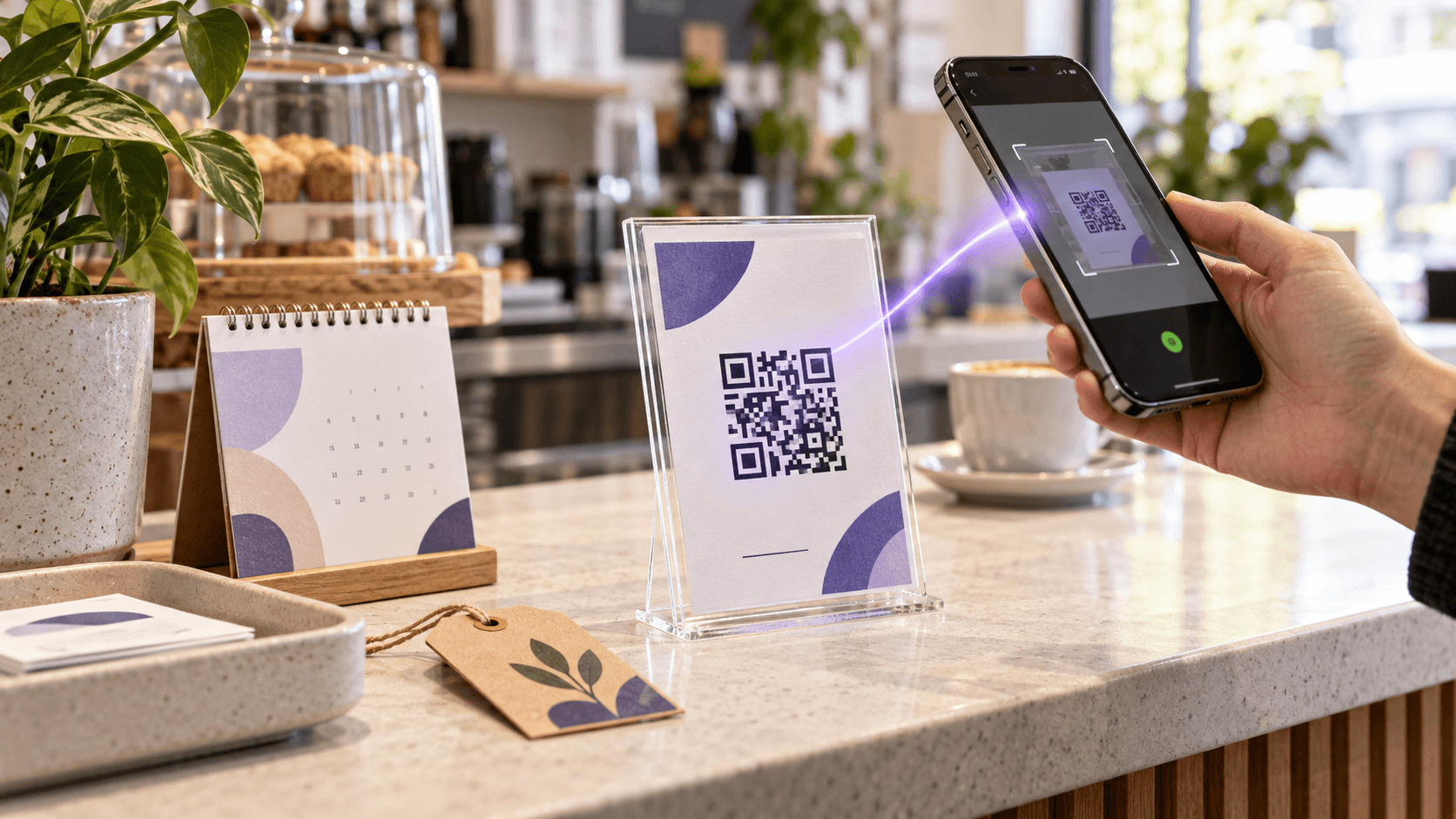
A QR code printed on a menu, flyer or business card does not contain a clock. The same is true for a static Google Review QR code, although the Business Profile review link and the printed placement still need periodic testing. That includes a static Instagram profile QR code, although a changed username can make its destination stale. The black-and-white—or customized—pattern simply stores data. If that data is a website address, a phone can read the same address tomorrow, next year or ten years from now.
So the short answer is: a QR code itself does not normally expire.
What can expire is everything around it. The destination page can disappear. A dynamic-code company can disable its redirect when a trial ends. The owner can set an intentional expiration date. A domain can lapse. Ink, sunlight or a bad redesign can make the pattern unreadable.
That is why two identical-looking squares can have completely different lifetimes. One may encode your website directly and work as long as the website exists. The other may encode a third party's short link and stop the moment that company no longer forwards it.
How a scan worksThe three layers behind every scan
Treat a QR code as three separate parts:
- 01The symbol: the visible matrix of light and dark modules.
- 02The payload: the data stored in that matrix, such as a URL, Wi-Fi credential, contact card or plain text.
- 03The destination: what happens after the phone reads the payload.
Only the first two are physically inside the printed code. If the payload is https://example.com/menu, the QR image will keep returning that exact string. It cannot know whether the page still exists.
If the payload is a dynamic redirect such as a short tracking URL, the image still returns the same string—but a server decides where to send the visitor next. That server is where editing, scan analytics, subscriptions and expiration rules live.
Printed QR symbol
- Expires by itself?
- No
- What can fail
- Damage, blur, low contrast or a bad crop
Encoded payload
- Expires by itself?
- No
- What can fail
- The information becomes outdated
Static destination
- Expires by itself?
- Not because of QR
- What can fail
- Page removed, domain lost or access restricted
Dynamic redirect
- Expires by itself?
- It can
- What can fail
- Owner setting, deleted code, provider or plan restriction
| Layer | Expires by itself? | What can fail |
|---|---|---|
| Printed QR symbol | No | Damage, blur, low contrast or a bad crop |
| Encoded payload | No | The information becomes outdated |
| Static destination | Not because of QR | Page removed, domain lost or access restricted |
| Dynamic redirect | It can | Owner setting, deleted code, provider or plan restriction |
Source: CalculatorAI · calculatorai.app · DENSO WAVE specification · CalculatorAI analysis
The useful question is therefore not only “Does this QR code expire?” It is “What URL is encoded, who controls it, and what has to remain active for the scan to complete?”
Static codesStatic QR codes do not have an expiration switch
A static QR code puts the final data directly into the matrix. For a website, the modules encode the destination URL itself. For Wi-Fi, they can encode the network name, security type and password. A vCard can carry contact details without calling a redirect service.
Because there is no forwarding account between the scanner and the payload, there is no QR subscription to renew. The image remains decodable for as long as it remains physically readable.
But “does not expire” is not the same as “can never become useless.”
- A website QR keeps encoding the old URL after the page moves.
- A Wi-Fi QR keeps carrying the old password after it changes.
- A contact QR keeps carrying the old phone number.
- A PDF link fails if the file is deleted or its sharing permission changes. Our QR code for a PDF guide shows how to update the file without changing its link.
- A domain link fails if the domain expires.
The static image cannot be edited after printing. To change its payload, you generate and print a new code. Before choosing an editor, compare Canva, Adobe Express and a dedicated QR generator by the dependency each one locks into the print.
This makes static codes ideal when the underlying information is durable and you control it: a permanent domain, long-lived product documentation, Wi-Fi access that rarely changes or offline text. It is risky when thousands of packages or signs will remain in circulation longer than the destination page.
Dynamic codesDynamic QR codes add a service between the scan and destination
A dynamic QR code usually stores a short redirect URL instead of the final destination. The visitor scans the short URL; the provider records the request and forwards the visitor to the current target.
That extra step creates the features businesses want:
- change the destination without reprinting;
- count total and unique scans;
- see time, device and coarse location patterns;
- pause, organize or rename campaigns;
- reuse a printed code for a new page.
It also creates a dependency. The short domain, redirect record and provider account have to keep working.
Dynamic wins when reprinting is expensive; static wins when independence matters most.
Show these figures as a table
| Static (relative control) | Dynamic (relative control) | |
|---|---|---|
| Edit destination | 0 | 100 |
| Scan analytics | 0 | 100 |
| No provider dependency | 100 | 25 |
Source: CalculatorAI · calculatorai.app · CalculatorAI QR generator and tracker workflow
On CalculatorAI, a dynamic code routes through an editable redirect and appears in the QR Codes Tracker. The owner can update its destination after printing and review scan analytics. Deleting that dynamic record stops the printed redirect from resolving, which is why the tracker warns before permanent deletion.
If all you need is a permanent URL with no analytics, create a static code in the QR Code Generator. The step-by-step — content type, error correction, export format, print size and the one-minute expiry test — is in how to make a free QR code that does not expire. If the code will be printed on costly material or the campaign needs measurement, the dynamic route is usually worth the dependency—provided you understand who controls it.
Free servicesWhy a “free” dynamic QR code may stop working
This is the failure people often describe as expiration. They created a code during a free trial, printed it, and later discovered that scans lead to a payment page or error.
The QR symbol did not expire. It still decodes the provider's redirect URL correctly. The provider stopped forwarding that URL under the original terms.
Before printing a dynamic code, answer five questions:
- Does the code keep redirecting on the free plan?
- Is scan tracking the paid feature, or is the redirect itself paid?
- What happens if the subscription is cancelled?
- Can the destination be exported or moved to another provider?
- Does the short URL use a domain you own or the provider's domain?
The last question is the strongest ownership test. A redirect on your own domain is portable if the underlying system is designed correctly. A redirect on someone else's domain exists on their terms.
Do not judge permanence from the downloaded PNG. Scan it and inspect the URL preview. If it shows the final destination, it is probably static. If it shows a short or unfamiliar domain first, it is dynamic or uses an intermediate redirect.
CanvaDo Canva QR codes expire?
Canva's current help documentation distinguishes two tools: static QR codes with a fixed link, and Dynamic QR Codes with editable destinations and analytics.
According to Canva, its QR codes do not expire unless the owner sets an expiration date on an eligible dynamic code. Canva also says that a dynamic code with an expiration date will redirect to the owner's chosen post-expiration URL—or to Canva's generic error page if none was configured.
That means “a Canva QR code” is no longer specific enough to predict behavior. You need to know which Canva tool created it:
- Static Canva QR: fixed destination, no QR expiration setting, requires reprinting to change the link.
- Dynamic Canva QR: editable and trackable, may have an intentional expiration date and depends on Canva's redirect infrastructure.
This distinction matters before a large print run. Our Canva QR codes after printing guide explains the current static and dynamic behavior, ownership rules and reprint risk in detail. Save the original design, document which type you created, and test the exported file rather than assuming every Canva QR behaves the same way.
Failure modesFive reasons a non-expiring code stops working
1. The destination changed
The most common failure is link rot. A site migration changes /summer-menu.pdf to /menu, a cloud file is moved, or a Google Form is deleted. (What a printed Google Form QR code shows when the form is closed, unpublished or deleted — and how to retire one gracefully — is a guide of its own.) The QR faithfully opens an address that no longer serves the content.
Use a URL you control and redirect old paths during migrations. For temporary campaigns, point the code to a durable landing page and change the content behind that page.
2. The redirect was disabled
A dynamic record can be paused, deleted or restricted by its provider. An expired trial may remove forwarding even though the printed matrix is intact.
Keep a register of printed dynamic codes, their provider, owner account and renewal terms. That is more useful than a folder full of unnamed PNG files.
3. The code was intentionally expired
Expiration is sometimes a feature. Event check-in, limited promotions and private files may need a clear end date. A responsible dynamic system should show what happens afterward instead of failing mysteriously.
Set a fallback page that explains the event ended and offers the current destination. An expired campaign can still preserve trust.
4. The print became unreadable
Sunlight fades a window sticker. A fold crosses a finder pattern. Lamination reflects overhead light. A designer crops away the quiet zone or prints purple on a similarly dark background.
DENSO WAVE documents four error-correction levels. At the highest level, roughly 30% of codewords can be restored under suitable damage patterns—but that is not permission to cover 30% of the visible square with a logo. Location, contrast and the kind of damage still matter.
5. The encoded information became stale
Offline payloads can outlive their usefulness too. A vCard with an old number technically scans perfectly. So does a Wi-Fi code carrying last year's password. Reprinting after a password change is the one maintenance task a Wi-Fi QR code ever needs — and the reason to put it on a guest network in the first place.
The code works; the business process around it did not include maintenance.
Built to lastHow to create a QR code that lasts
Use this checklist before approving print:
- 01Choose static or dynamic deliberately. Do not accept a generator's default without checking.
- 02Use a durable destination. Prefer a domain and landing page you control.
- 03Document ownership. Record the provider account, short URL and person responsible.
- 04Keep the quiet zone. Leave clear space around all four sides.
- 05Use strong contrast. Dark modules on a light background remain the safest choice.
- 06Export for the final size. SVG is useful for large print; a sufficiently large PNG works for ordinary cards and flyers.
- 07Test the actual proof. Scan from multiple phones, angles and distances before printing the full batch.
- 08Monitor dynamic codes. A sudden fall to zero scans may be a campaign problem—or a broken redirect.
- 09Retest on a schedule. Permanent signage deserves a monthly or quarterly scan check.
- 10Never delete a live redirect casually. First identify every physical place where it was printed.
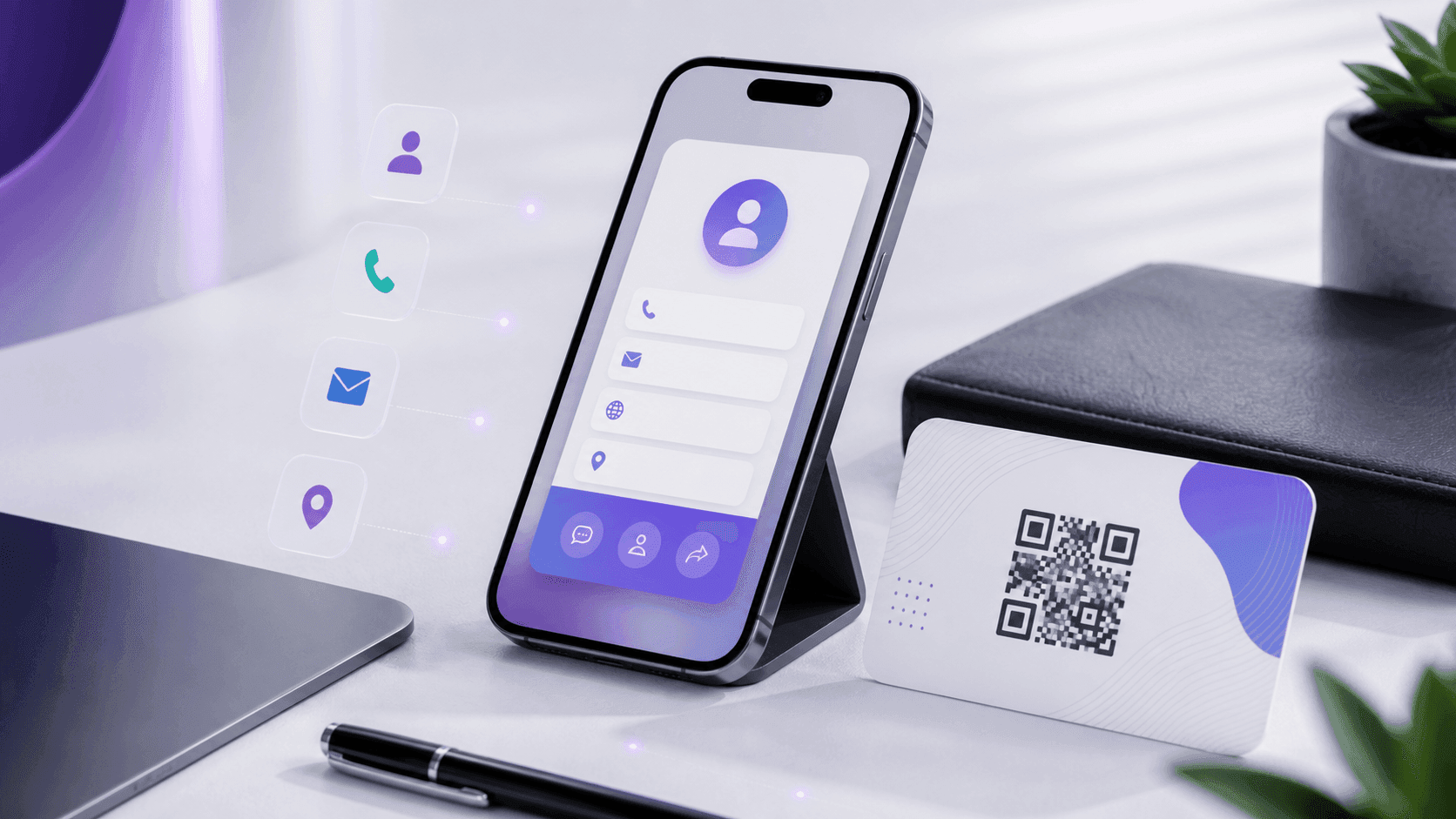
For examples of durable physical uses, see how the same decisions apply to a QR-code business card and a restaurant QR menu.
Static or dynamicStatic or dynamic: which should you choose?
Wi-Fi card at home
- Usually choose
- Static
- Why
- No web redirect or analytics needed
Business cards
- Usually choose
- Dynamic
- Why
- Contact page can change after printing
Product packaging
- Usually choose
- Dynamic
- Why
- Reprinting is expensive and scans matter
One-day event
- Usually choose
- Dynamic
- Why
- Destination and expiration can be managed
Permanent text or serial data
- Usually choose
- Static
- Why
- The payload can work offline
| Use case | Usually choose | Why |
|---|---|---|
| Wi-Fi card at home | Static | No web redirect or analytics needed |
| Business cards | Dynamic | Contact page can change after printing |
| Product packaging | Dynamic | Reprinting is expensive and scans matter |
| One-day event | Dynamic | Destination and expiration can be managed |
| Permanent text or serial data | Static | The payload can work offline |
Source: CalculatorAI · calculatorai.app · CalculatorAI editorial framework
Static is not the cheap version of dynamic. It is the independent version. Dynamic is not automatically less permanent; it is more maintainable when the redirect is managed responsibly. The full decision — including why a dynamic code usually prints smaller than a long static URL — is in static vs dynamic QR codes: which one should you use.
FAQFrequently asked questions
Do free QR codes expire?
A static QR code normally does not expire. A free dynamic code may depend on the provider's plan, account and redirect policy. Check the encoded URL and the provider's current terms before printing.
Do QR codes expire after a certain number of scans?
The QR standard does not contain a scan counter. A dynamic provider could impose a limit, but that is a service rule, not a property of the QR image.
Can a QR code stop working if I cancel a subscription?
Yes, if it encodes a redirect controlled by the subscription provider and that provider disables forwarding. A static code that directly encodes the destination does not depend on a QR subscription.
Can I change the link in a QR code after printing?
Only if the printed code points to a redirect you can edit. You cannot change the data embedded in a static matrix without generating and printing a new image.
How can I tell whether a QR code is static or dynamic?
Scan it and inspect the URL preview. A direct final URL usually indicates a static code. A provider's short URL indicates a redirect. The visual pattern alone does not reliably tell you which type it is.
Do Canva QR codes expire?
Canva says they do not expire unless an expiration date is deliberately set on a dynamic code. Canva's static and dynamic QR tools have different behavior, so verify which one the design uses.
Will a QR code work forever on printed material?
Only if the print stays readable and every dependency behind the payload remains valid. Test permanent printed codes periodically rather than assuming “no expiration” means “no maintenance.”
MethodologySources and methodology
The explanation of encoded data, finder patterns, capacity and error correction comes from DENSO WAVE's official QR Code overview and standardization guide. Canva behavior was checked on September 11, 2026 against its official Create and manage QR codes documentation.
CalculatorAI's static generator and dynamic tracker behavior was checked against the product implementation on the same date. Service features and policies can change, so confirm them again before committing to an expensive print run.
CalculatorAI is not affiliated with or endorsed by Canva or DENSO WAVE.